checked
A gRPC client you can actually read
Tetiva is a desktop gRPC client for macOS, Windows and Linux. It pulls a service schema over server reflection or builds one from .proto files, lists the methods it finds, generates an example message from the input type, and sends the call. The client is free and open source, and takes about 30 MB installed. No account is required.
This page is written for someone who already has grpcurl working and would rather click than retype the flag line. It describes what the app does today, limits included.
Schema from reflection or .proto files
A gRPC request starts with a schema, because without descriptors a client cannot encode the message.
A plaintext server takes a bare host:port, such as localhost:50051. For a server behind TLS, start the address with grpcs://, as in grpcs://api.example.com; https:// works too, and port 443 is used when none is given. The lock before the address shows whether the call uses TLS and switches it with a click. When the whole address is a single {{variable}}, the variable's value decides and the lock is disabled. Tetiva 1.2.1 and older can't call an address with a scheme, so update every device these requests sync to.
Load services opens a connection and asks the server for its service list, and the internal grpc.reflection.* services are filtered out of the result. The refresh button beside it re-reads the schema after you rebuild the server. Environment variables are resolved in the address, so one saved request follows whichever environment is active.
Production servers often disable reflection so the service catalogue is not published. In that case, Import .proto offers two paths. Import File takes a single file and adds its directory plus up to five parent directories as import paths, so an import such as common/v1/types.proto usually resolves on its own. Import Directory walks the selected directory recursively and parses every .proto it finds, which is the safer choice for a schema split across packages.
The active source is shown as a chip carrying the file or directory name. Refresh re-reads it from disk; the cross clears the path and returns the request to reflection. The path is stored with the request, so reopening the tab does not mean picking the schema again.
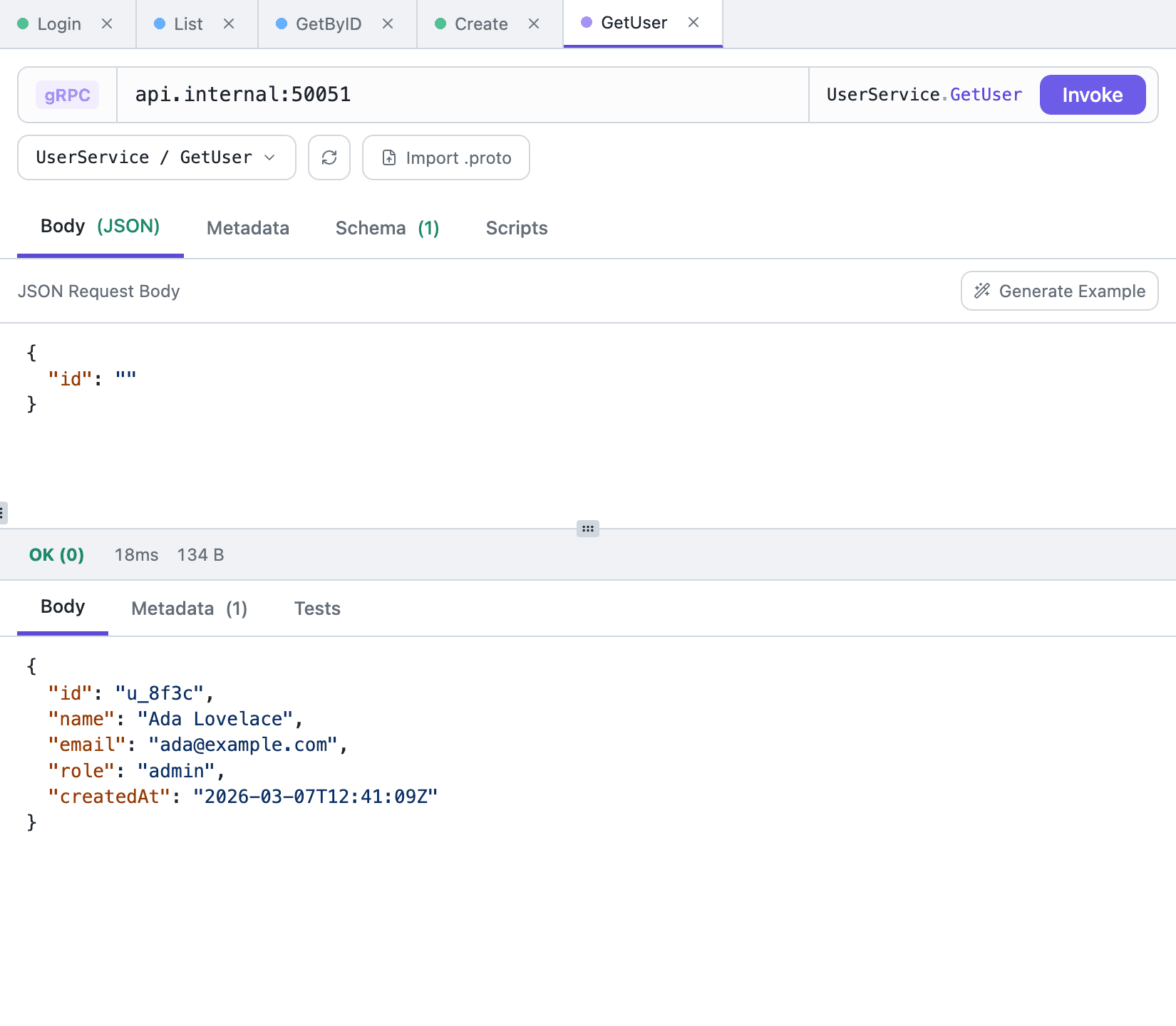
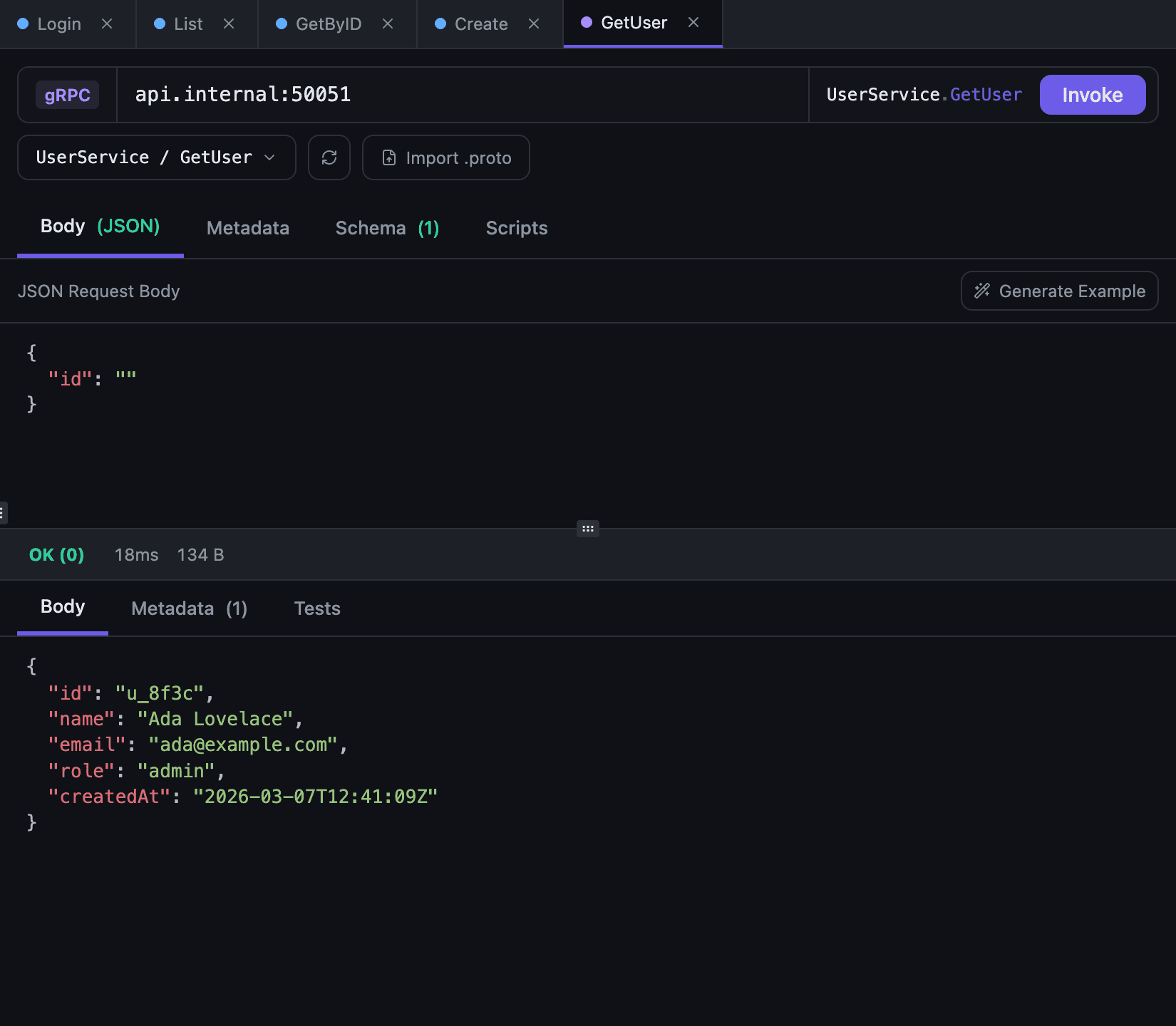
Pick a method, get an example message
The picker lists services and their methods together, with substring search and arrow-key navigation, so a method is a few characters away instead of a scroll. Each entry carries a badge for its call form: UNARY, SERVER, CLIENT or BIDI. The badge is worth reading, because only unary methods can be invoked. The others return an error saying the method is streaming.
Generate Example builds a JSON message from the input type. Strings come out empty, numbers zero, booleans false, enums set to their first value; a repeated field is wrapped in a one-element array and a map is given a single pair. Recursive messages are not expanded forever. Treat the output as scaffolding rather than a valid domain request: those defaults are legal protobuf, but a server will most likely answer INVALID_ARGUMENT if you send them unchanged.
Cmd/Ctrl+Enter invokes the call; so does the Invoke button. Cmd/Ctrl+S saves the request.
Metadata, timeouts and the response
A gRPC request has no Auth tab. Whatever the server needs travels in metadata, and the Metadata tab is the same key-value editor used for HTTP headers, with environment variables resolved in the values, so a token usually reads authorization: Bearer {{access_token}}.
For a token shared by a whole collection, set it from a collection-level pre-script. Scripts are inherited by nested requests, and pm.request.metadata.set('authorization', ...) writes the key into the current call. Scripting and authentication describe how that inheritance works.
There is no deadline field to fill in. Connecting and the call itself get 30 seconds each. Loading services over reflection gives each service 10 seconds and the whole list 30; a service that doesn't answer is skipped with a note next to the buttons.
The Schema tab prints the proto definitions behind the selected method: the input message, the output message, and the rpc signature with its stream markers. The source line below it says where the definitions came from, whether reflection, a file or a directory, and Open in Window moves the schema into a separate window so it can sit next to the request body.
The response is split into Body, Metadata and Tests. Metadata holds the call's headers and trailers merged into one list. A non-OK gRPC status is not treated as a failed request: the app shows the numeric code with its name, NOT_FOUND or PERMISSION_DENIED, alongside the message the server returned.
What is not there yet
Streaming is not supported yet. Server, client and bidirectional methods are listed in the picker with their badges, and invoking one returns an error instead of opening a stream, so only unary calls execute.
TLS has no settings of its own. A grpcs:// call trusts what your system trusts, and there is no field for a custom CA, a client certificate or skipping verification.
Deadlines are not exposed either. The 30-second connect and call timeouts above are what a call gets. The gRPC documentation is the reference for the current behaviour of all three.
When you would still reach for grpcurl
grpcurl is a terminal tool, and that is its advantage. It drops into a shell script or a CI step and needs no window. Tetiva does not replace it there. What it replaces is holding the import paths, the flags and the JSON body in your head between calls, since the schema source, the metadata and the message all stay attached to a saved request. Our gRPC testing guide walks the same sequence as grpcurl commands, which makes it a workable map between the two.
Frequently asked questions
Does it work without server reflection?
Yes. Import a single .proto file or a directory; the importer resolves imports from the file's directory and up to five parent directories.
Does Tetiva support gRPC streaming?
Not yet. Methods are listed with their call form (UNARY, SERVER, CLIENT, BIDI), but only unary calls can be invoked today.
Can I call a gRPC server behind TLS?
Yes. Start the address with grpcs:// (or https://) and the call goes over TLS 1.2 or newer, checked against your system's trusted certificates; port 443 is used when none is given. The lock before the address shows whether a call uses TLS and switches it with a click.
How do I send an auth token?
In the Metadata tab — the same key-value editor as HTTP headers, with environment variables. A collection-level pre-script can set it for every request.