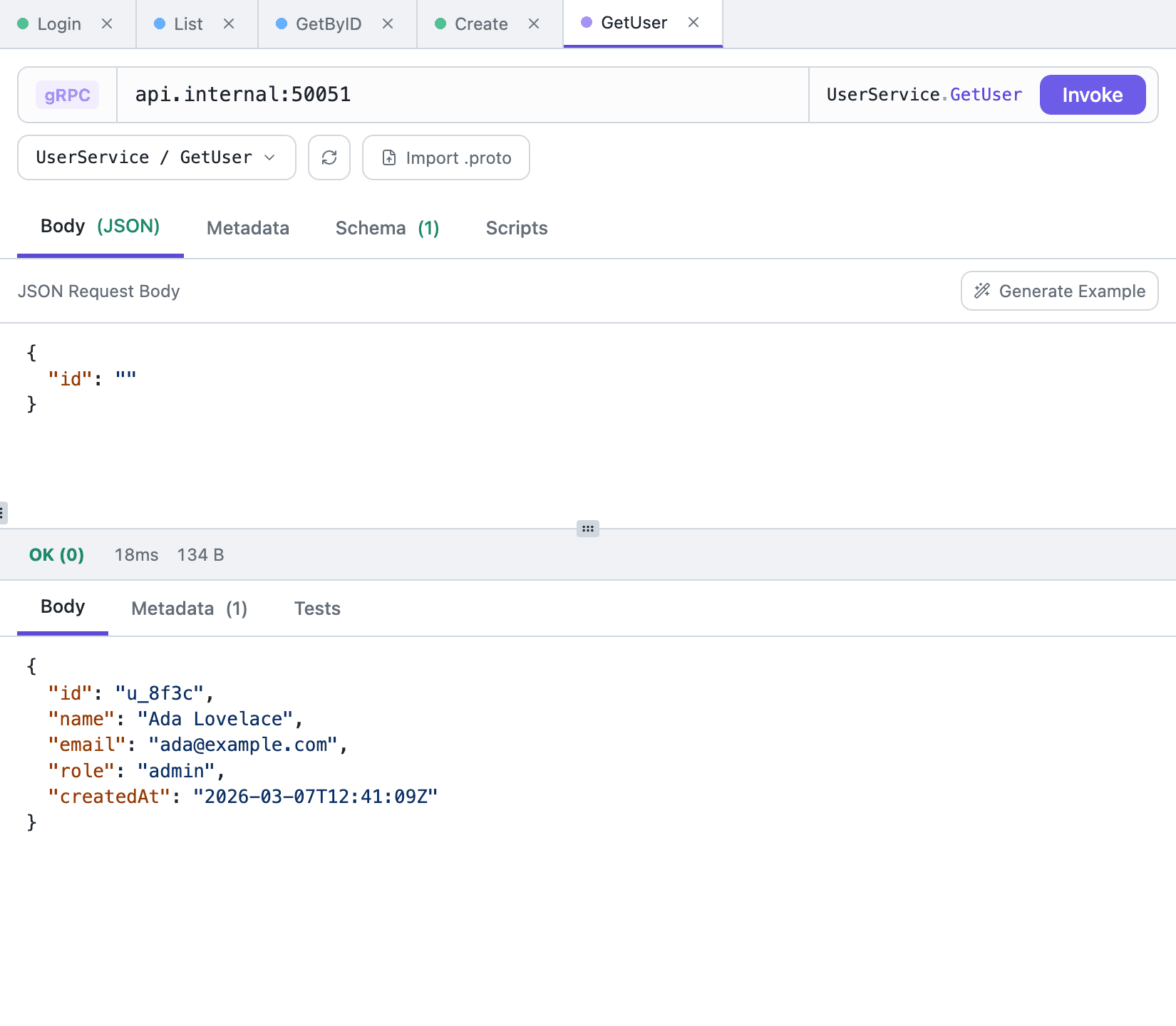
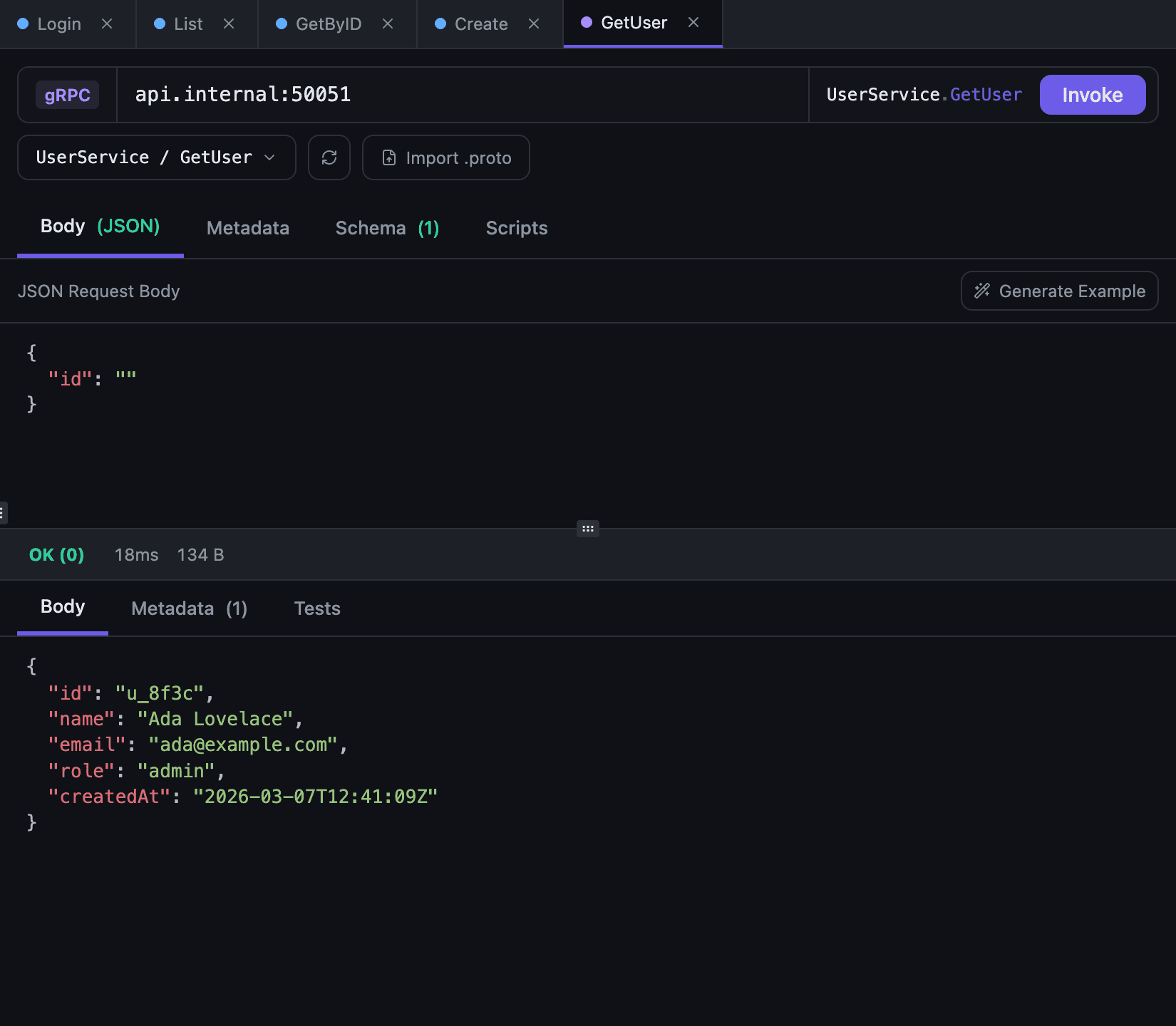
A gRPC request in Tetiva starts with a schema — without descriptors the client cannot encode a message. You can pull the schema from the server over reflection, or build it locally from .proto files. After that the loop is familiar: pick a method, edit the JSON message, add metadata, press Invoke. Unary calls are executed; streaming methods appear in the list but cannot be invoked from the app. An overview of what the client does for gRPC is on the gRPC client page.
Address and reflection#
An address without a scheme, such as localhost:50051, is plaintext. For a server behind TLS, start it with grpcs:// (https:// works too): grpcs://api.example.com, port 443 by default. The lock before the address shows how the call will go and switches it with a click.
Load services opens a connection and asks the server for its service list; the internal grpc.reflection.* services are filtered out. The refresh button next to it re-reads the schema after the server is rebuilt.
Environment variables work in the address, so one saved request moves between environments by switching the active one — see environments and variables. Reflection resolves them too, so the schema comes from the same server the call goes to.
A secured call uses TLS 1.2 or newer and checks the server's certificate against the system's trusted certificates; there is no custom CA, client certificate or way to skip verification. When the whole address is one variable, such as {{grpcUrl}}, its value decides and the lock is disabled. Pick the wrong mode and the error says whether to add grpcs:// or remove it. Tetiva 1.2.1 and older can't call an address with a scheme (too many colons in address), so update every device these requests sync to.
Importing .proto files#
When reflection is disabled on the server, the Import .proto button offers two paths. Import File takes a single file; its directory and up to five parent directories are added as import paths, so imports such as common/v1/types.proto usually resolve on their own. Import Directory walks the selected directory recursively and parses every .proto it finds — the safer choice for a schema split across packages.
The active source is shown as a chip with the file or directory name: refresh re-reads it from disk, the cross clears the path and returns the request to reflection. The path is stored with the request, so you do not have to pick the schema source again after reopening the tab.
Choosing a method and writing the message#
The picker lists services and their methods together, with substring search and arrow-key navigation. Each method carries a badge for its call form: UNARY, SERVER, CLIENT or BIDI. Only UNARY can be invoked; the others return an error saying the method is streaming.
Generate Example builds a JSON message from the input type: strings empty, numbers zero, booleans false, enums set to their first value, repeated fields wrapped in a one-element array, maps given a single pair. Recursive messages are not expanded forever. Treat the result as scaffolding rather than a valid domain request — replace the placeholders before invoking, or the server will most likely answer INVALID_ARGUMENT.
Cmd/Ctrl+Enter (or the Invoke button) sends the call; Cmd/Ctrl+S saves the request.
A gRPC request has six tabs: Body, Metadata, Schema, Scripts, Docs and Examples. Docs holds the request description in Markdown — the same editor an HTTP request uses — and Examples holds response examples.
Metadata instead of an Auth tab#
A gRPC request has no Auth tab — whatever the server needs travels in metadata. Collection auth doesn't reach it either: a call in a collection set to Bearer, Digest or AWS Signature goes out with its own metadata only. The Metadata tab is the same key-value editor used for HTTP headers, and environment variables are resolved in the values, so a token usually reads as authorization: Bearer {{access_token}}.
For a token shared by a whole collection, set it from a collection-level pre-script: scripts are inherited by nested requests, and pm.request.metadata.set('authorization', ...) writes the key into the current call. Inheritance is described in scripting and authentication.
The Schema tab and the response#
The Schema tab prints the proto definitions behind the selected method: the input message, the output message, and the rpc signature with stream markers. The source line below says where it came from — reflection, a file, or a directory — and Open in Window moves the schema into a separate window so it can sit next to the request body.
The response is split into Body, Metadata and Tests. Metadata holds the call's headers and trailers merged into one list. A non-OK gRPC status is not treated as a failed request: the app shows the numeric code with its name (NOT_FOUND, PERMISSION_DENIED) and the message returned by the server. Connecting and the call itself get 30 seconds each. Loading services over reflection gives each service 10 seconds and the whole list 30; a service that doesn't answer is skipped with a note next to the buttons.