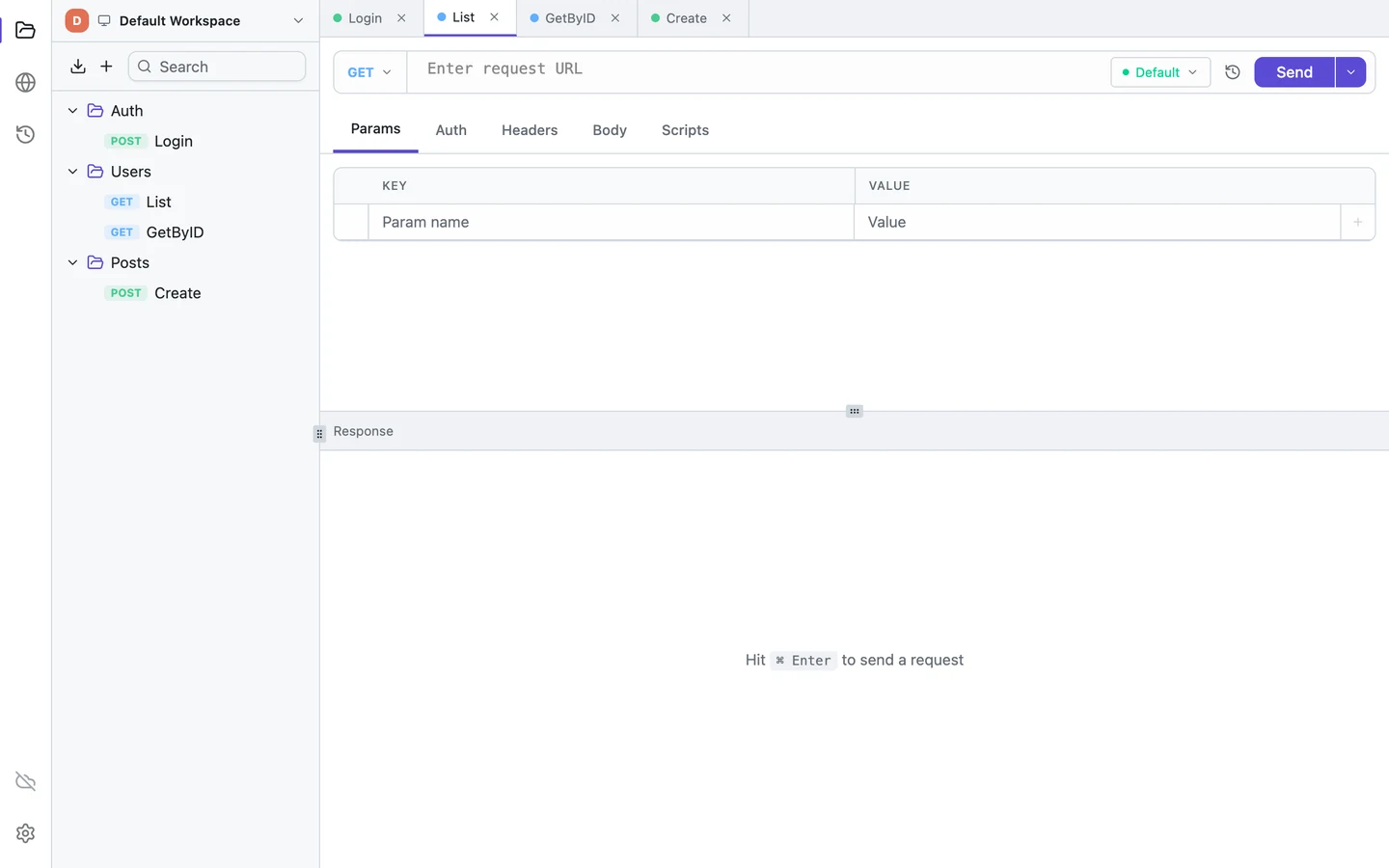
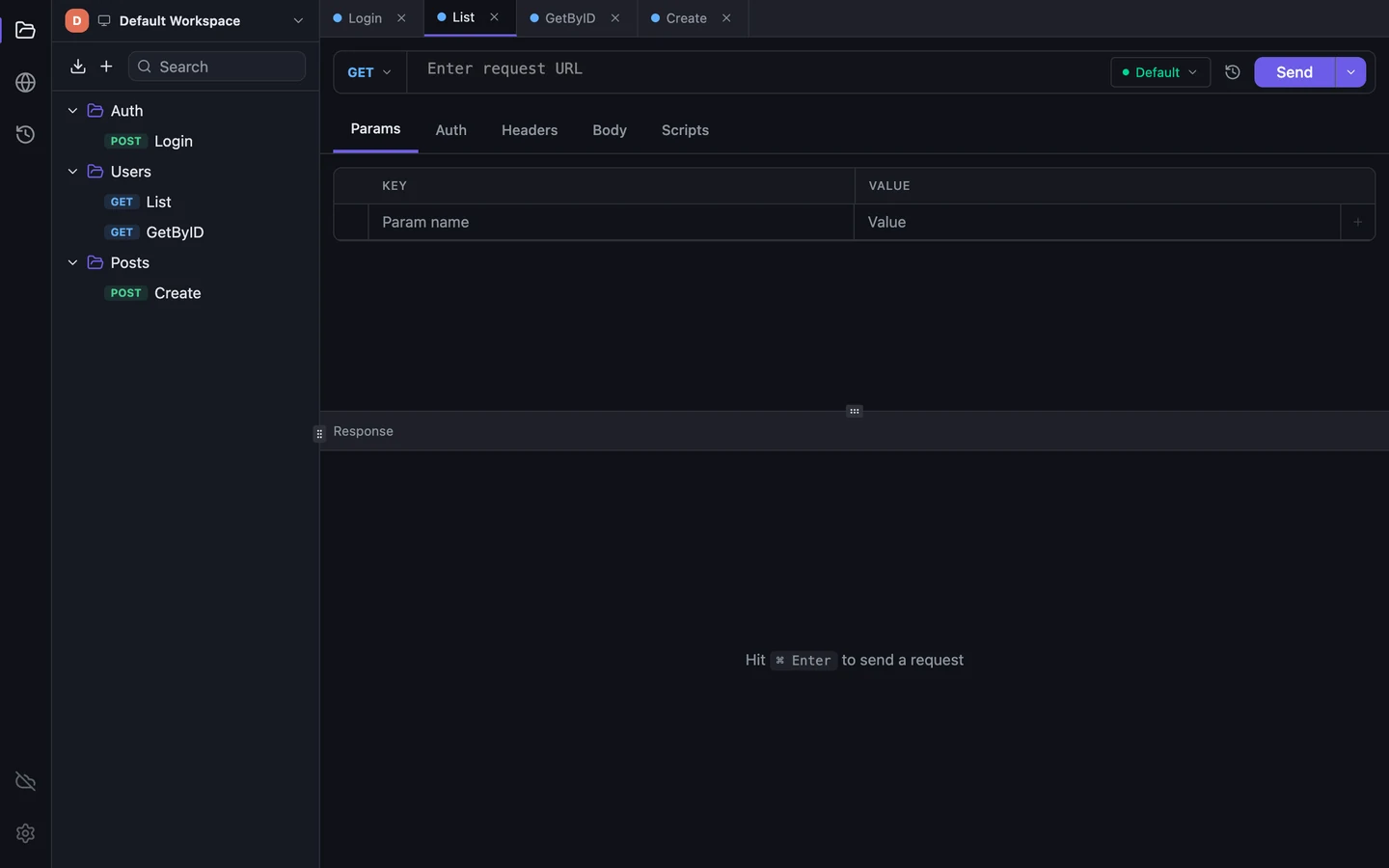
You open Insomnia to fire a saved request at staging and read the JSON that comes back. Insomnia's README on GitHub still describes that tool: "an open-source, cross-platform API client". The 2026 homepage subheading goes bigger: "an AI-native API collaboration platform with native Kong Konnect integration".
Without an account, that platform gives you one collection in Scratch Pad. Once you sign in, usage analytics can't be switched off.
In Tetiva, collections, environments, history and scripts all work without an account and live in a file on your disk. The client sends no analytics, signed in or not.

The login screen has a Use local Scratch Pad button at the bottom, and Kong promises it will never need a login. A tooltip next to the button spells out the deal: "Collections only, sign in later to save, sync, or share." There are no mocks, MCP clients or projects in it.
Sign-in and analytics
Usage analytics in Insomnia have been opt-out since August 2023, and the Send Anonymous Usage Statistics toggle only appears while you're signed out. Once you sign in, Kong's docs and terms say usage data is collected regardless, and the 13.3.0 source turns analytics on for any signed-in user, whatever the setting.
Tetiva's client sends no analytics, signed in or not. It checks for updates once a day, sending only its version and OS, and you can switch the check off in settings. The tetiva.app website does use analytics; this is only about the app.
Collections, environments, history and cookies sit in ~/.tetiva/data.db, an unencrypted SQLite file. Sync is opt-in.
Disk space
Insomnia 13.3.0 is built on Electron 43 and brings its own Chromium. Installed, Insomnia.app takes 1,080 MiB on a Mac. The .deb package for Linux declares 1,562 MiB: it carries CUDA and Vulkan libraries for the local LLM feature, and they're installed for everyone, whether or not you ever turn AI on.
Tetiva uses the system web view; on Windows the installer adds WebView2 if it's missing. Tetiva.app takes 74 MiB on a Mac, and its Linux .deb declares 38 MiB. There are ARM64 builds for Windows and Linux, which Insomnia 13.3.0 doesn't ship.
| Platform | Tetiva | Insomnia |
|---|---|---|
| macOS | 74 | 1,080 |
| Linux .deb x64 | 38 | 1,562 |
When Insomnia is the better fit
If you rely on streaming gRPC, mocks or Git Sync, stay with Insomnia. Its gRPC client handles all four call types and can pull schemas from Buf Schema Registry. SSE and Socket.IO get request types of their own, and the SSE Summary tab, new in 13.3, stitches streamed messages back into one text and pre-fills the JSONPath for OpenAI, Anthropic and Gemini streams. The MCP client connects to MCP servers over HTTP or STDIO.
Its scripts can do more: the insomnia object, require for chai, lodash or crypto-js, insomnia.sendRequest for an extra call. The free Essentials plan has an OpenAPI editor with Spectral linting, mocks, an unlimited Collection Runner, Inso CLI for CI, and Git Sync with built-in conflict resolution. For free, Insomnia gives you unlimited cloud projects and Git Sync for up to three users. Tetiva Free syncs up to 20 cloud collections for one user across two devices.
Tetiva has no OpenAPI editor, mocks, collection runner or CLI. For gRPC it runs unary calls only, and there's no SSE or Socket.IO. Its MCP server works the other way round from Insomnia's client: an agent gets 33 tools to read and create collections, requests and environments and to run a saved request.
Moving requests from Insomnia
You can move a collection as a file. In Insomnia, open the collection's menu (⋯ on its card) → Export, tick the requests and pick Insomnia v5: you get one .yaml file. In Tetiva, click the import button above the collection tree, pick Import File… and choose that file. Tetiva recognises the format itself, and it reads older v4 exports in JSON or YAML too. Export all data in Insomnia's preferences gives a folder with a separate .yaml per collection: import them one at a time; Tetiva won't take the environment and mock server files from that folder.
A confirmation dialog opens before anything is imported: how many folders and requests the file holds, which hosts they call and what changed on import. Folders keep their nesting and order. HTTP and GraphQL requests arrive with headers, parameters, body and auth, WebSocket ones with their first message, gRPC ones with their message and metadata. {{ _.name }} becomes {{name}}.
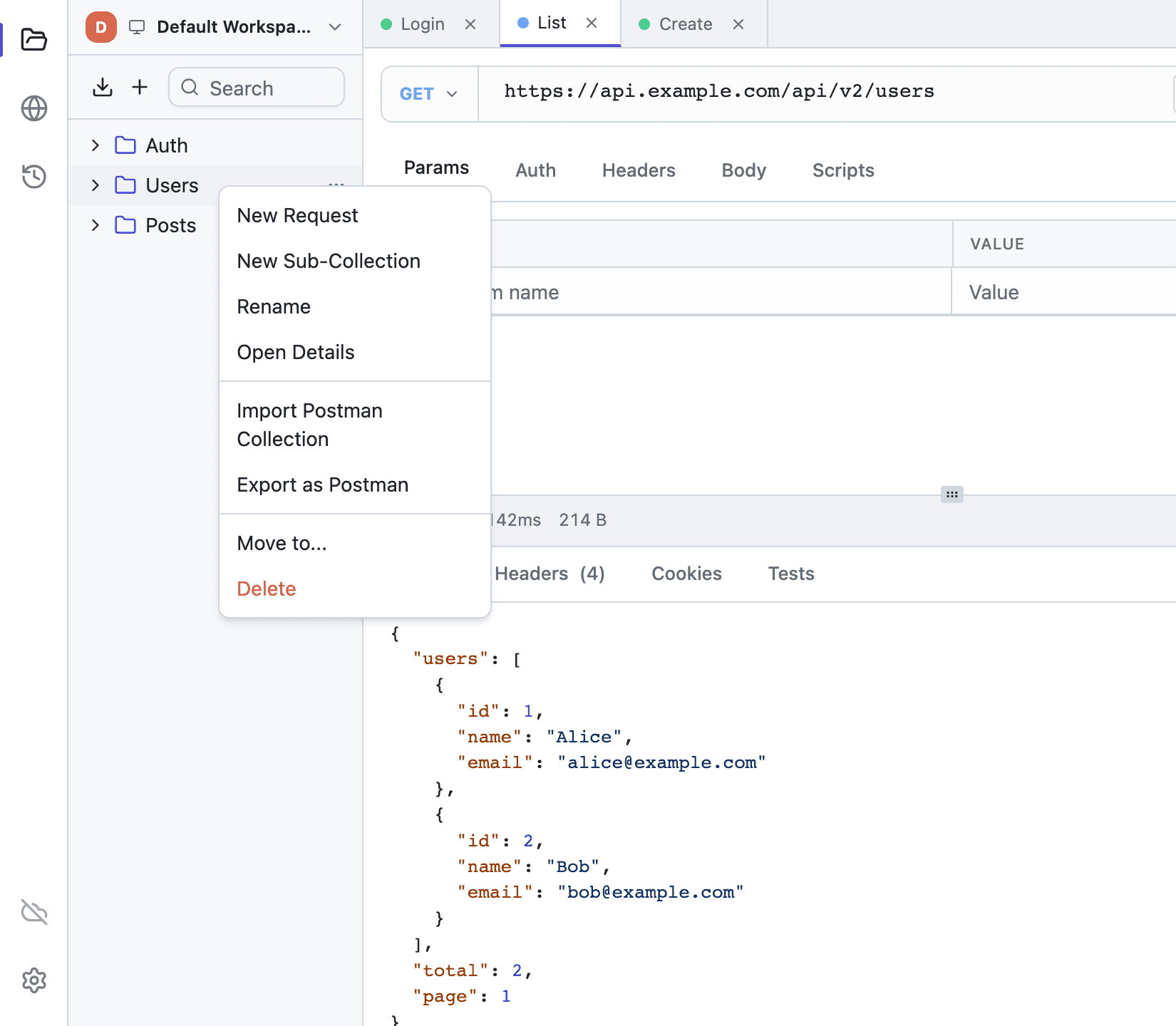
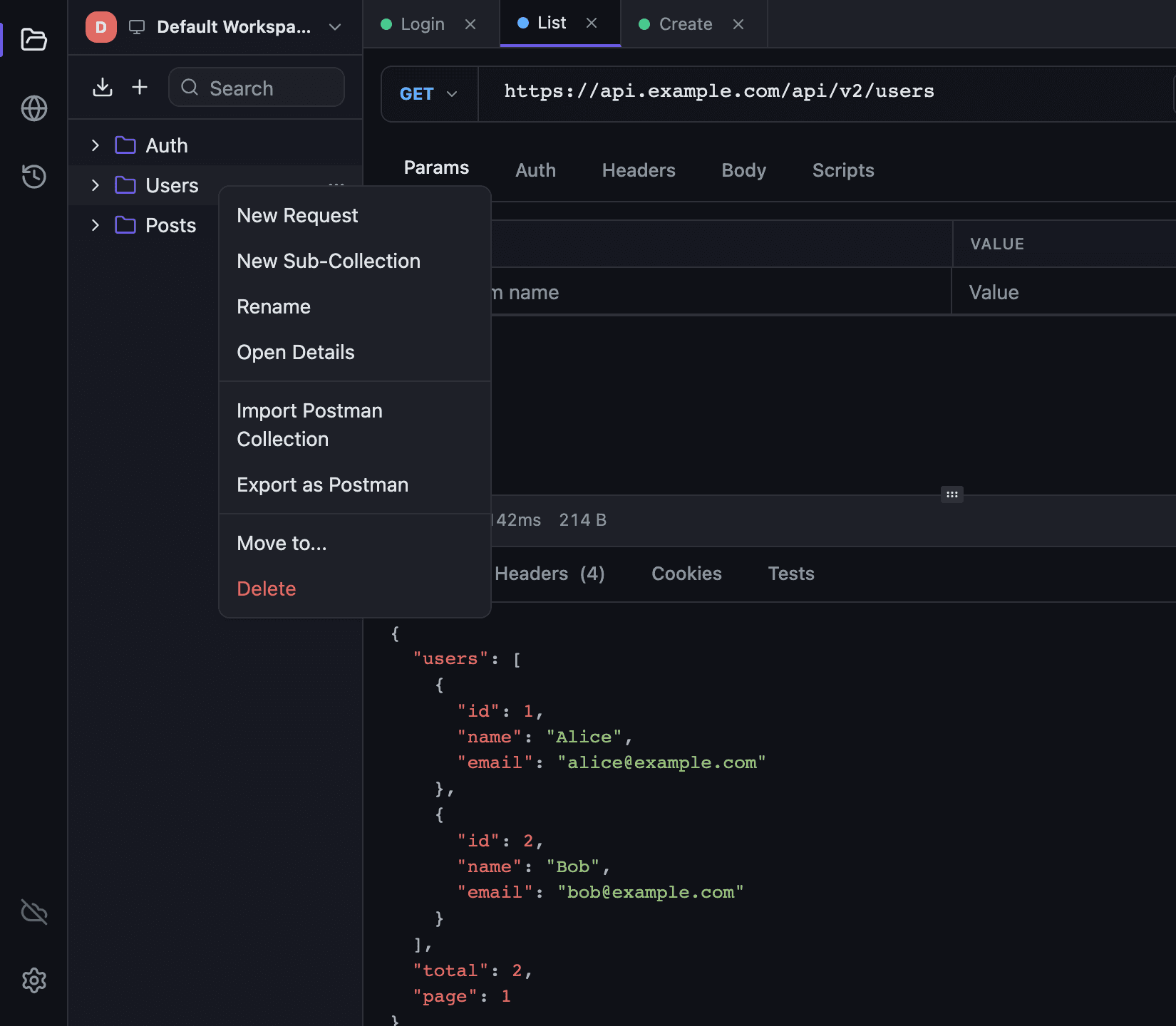
Each sub-environment becomes an environment of its own, named Collection · Sub-environment, with the base environment's values already merged in. Vault secrets arrive as empty secret variables for you to fill. Only one environment is active at a time, so pick the one you need in the list.
gRPC requests arrive without their .proto files: point Tetiva at the same .proto or use server reflection. Like Insomnia, Tetiva calls a grpcs:// address over TLS; streaming methods won't run.
Scripts come in only when you tick Import scripts in the confirmation dialog, and they still need a rewrite: insomnia.environment.set becomes pm.environment.set, insomnia.test becomes pm.test, insomnia.expect becomes pm.expect. Nothing replaces insomnia.sendRequest or require; the scripting reference lists what the sandbox supports.
SSE and Socket.IO requests, template tags such as {% response %} (left as text), folder headers and variables, cookies, unit tests, MCP clients, OpenAPI specs, mocks, plugins, Git Sync history and NTLM, OAuth 1.0, Hawk, Atlassian ASAP and Netrc auth don't carry over. The confirmation dialog lists what stayed behind under Changed on import.