Apidog's own package describes it as "Postman + Swagger + Mock + JMeter". One window holds an OpenAPI editor, mocks, automated test scenarios with load runs, and a docs portal.
If your day is a loop of "send a request, read the response, fix a header", you need the first term of that sum. The other three come bundled anyway: they're why you create an account, and why your project lives in the cloud by default.
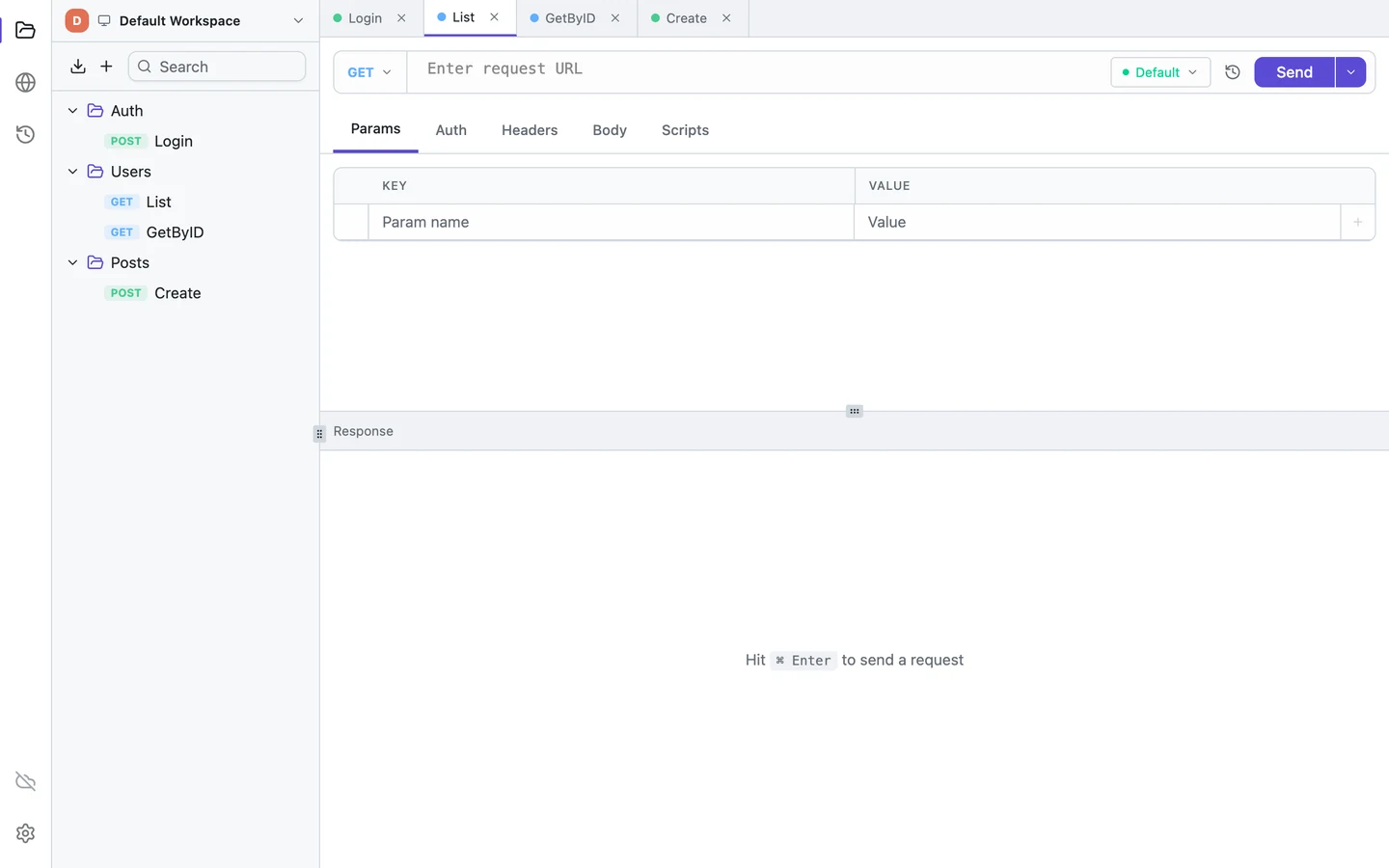
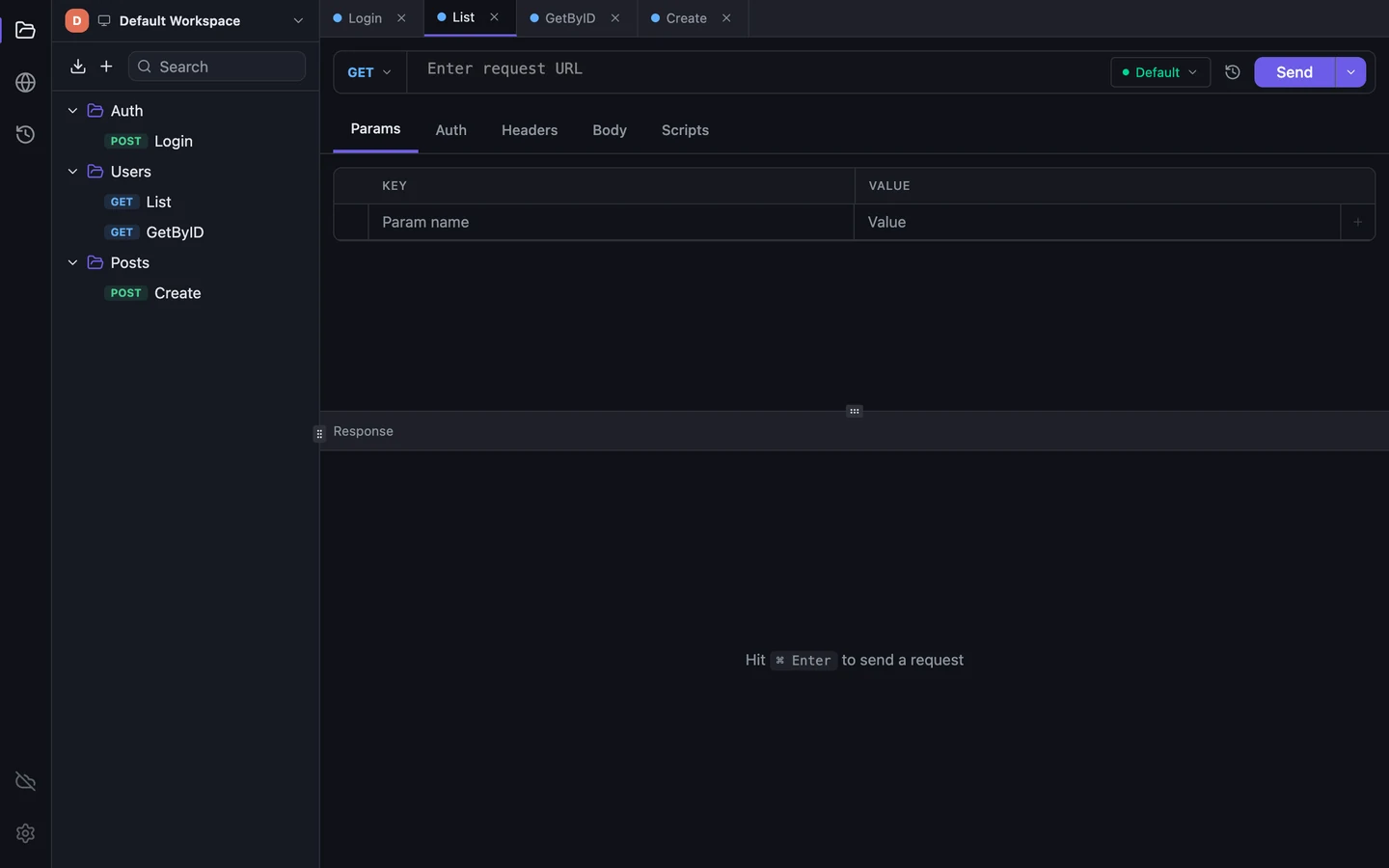
Tetiva is that first term: HTTP, gRPC, GraphQL and WebSocket, with collections, environments, history and scripts. No account, and everything sits in a file on your disk.

Apidog has a requests-only mode of its own. Offline Space sits in the three-dot menu, works without signing in and keeps collections as files on your disk. It's in beta, and the app describes it as "Supports API debugging only": no documentation, mocks or automated tests.
What changes with Tetiva
Offline Space is a mode inside the same client, so it takes the same disk space. Apidog runs on Electron 37 and carries its own Chromium: installed, Apidog.app takes 743 MiB, and its Linux package declares 827 MiB.
Tetiva uses the system web view, and on Windows its installer adds WebView2 if it's missing. The installed app takes 74 MiB on a Mac and 38 MiB on Linux. There's also a Windows ARM64 build, which Apidog doesn't offer.
| Platform | Tetiva | Apidog |
|---|---|---|
| macOS | 74 | 743 |
| Linux .deb x64 | 38 | 827 |
Apidog's docs say that in the SaaS version most data, from specs to test scenarios, lives on AWS in the US or Ireland and is backed up every minute. Only current variable values and Vault secrets stay on your machine. Requests themselves go from the desktop app straight to your server, bypassing Apidog.
Tetiva keeps workspaces, collections, requests, environments, history and cookies in ~/.tetiva/data.db, an unencrypted SQLite file on your disk. You need an account only for sync and publishing. Sync is opt-in, and the server encrypts data with AES-256-GCM, which is not end-to-end encryption.
The client has no usage analytics. Once a day it checks for updates, sending only its version and OS, and you can switch that off. The tetiva.app website does use analytics; this is about the app. Apidog's privacy policy describes collecting usage data and sharing it with advertising partners. We didn't capture its desktop app's network traffic, so we can't say what it sends in practice.
When Apidog is the better fit
The other three terms aren't there for show. You design APIs in a visual OpenAPI editor with reusable components, branches and change history, and mocks come straight from the schema. Test scenarios can have conditions and loops and run in CI through Apidog CLI. Docs are hosted on your own domain, with versions and search.
It also speaks more protocols: SOAP, Socket.IO and SSE, plus all four kinds of gRPC call, streaming included. If your team writes the spec before the code, or publishes docs and mocks for outside consumers, stay on Apidog. The Free plan covers four members and five projects.
Tetiva has none of that and no CLI. The closest it gets to docs is publishing a collection as a read-only page on share.tetiva.app: readers need no account, and secrets are stripped before upload. There's no web version. You can still write pm.test checks with pm.expect in post-response scripts.
"Apidog MCP" covers two things. MCP Server, a separate npm package in beta, hands API specs to an AI IDE such as Cursor. MCP Client, built into Apidog, debugs other MCP servers. Tetiva's MCP server runs inside the desktop app and gives an agent 33 tools to read and create collections, requests and environments and to run a saved request. Tetiva doesn't include an MCP client.
Moving requests from Apidog
Tetiva doesn't read Apidog's own format, so the easiest route is through Postman. In Apidog, open Settings → Export Data and choose Postman. In Tetiva, pick Import File… under the import button above the collection tree, and select Import scripts in the confirmation dialog if you want scripts too. The Postman file has to be v2.1; another version stops the import with "only Postman Collection v2.1 is supported".
If the project is built around the spec, export OpenAPI instead. Tetiva reads OpenAPI 3.0 and 3.1 and Swagger 2.0: operations become requests in folders named after their first tag, with bodies built from examples or schemas. The server address, path parameters and empty slots for credentials go into an environment named after the API, which becomes active right away.
A single HTTP request can move without a file: in Apidog, Generate Code → Shell → cURL, then paste the command into the URL bar of an HTTP request in Tetiva. For gRPC, point Tetiva at the same .proto file or at server reflection; streaming methods won't run, and a server behind TLS is called with a grpcs:// address. There's no direct path out of Offline Space, whose export format isn't documented.
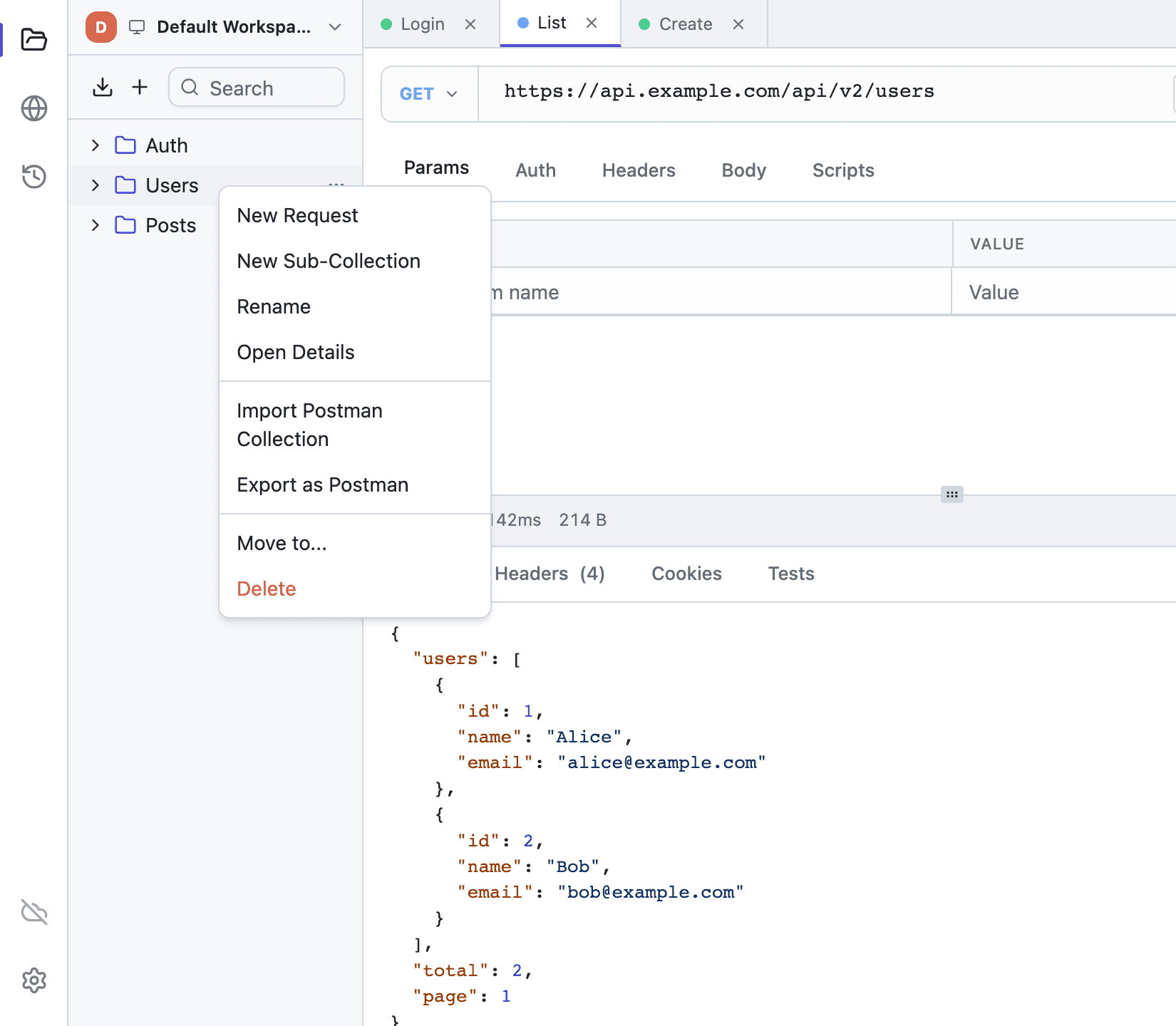
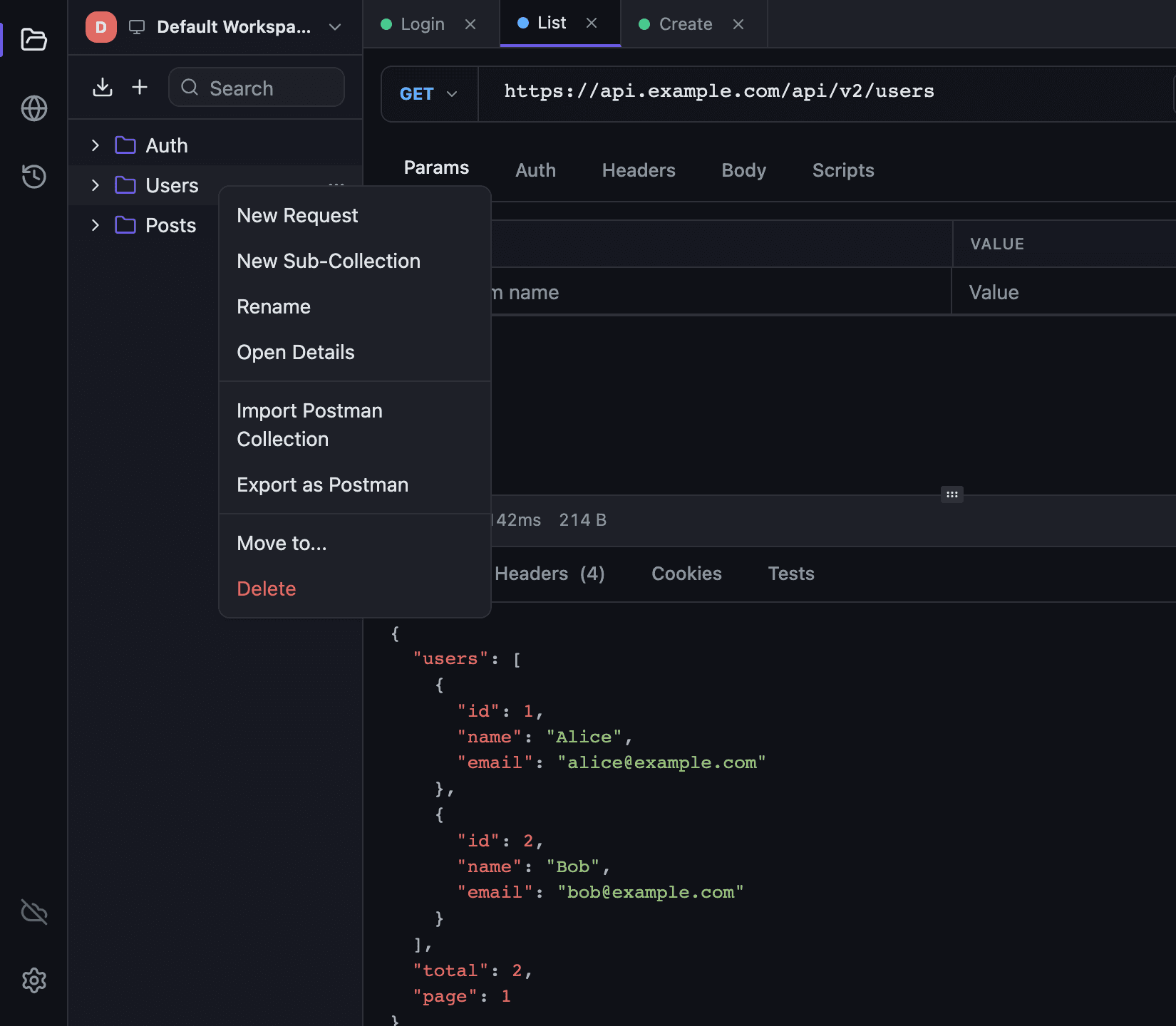
The import covers requests only. Schemas, components, mock rules, test scenarios, Markdown docs, branches and change history stay in Apidog, and Socket.IO, SSE and MCP endpoints have no counterpart in Tetiva. WebSocket messages aren't part of a Postman file either.
Collection variables in the file become an environment named after the collection; recreate the other environments. Select form-data and binary files again. Auth schemes Tetiva lacks become No Auth, with a warning. Tetiva supports only part of the pm API, so some scripts will need edits; the import reference and the Postman migration guide have the details.