Tetiva reads Postman v2.1, Insomnia and Hoppscotch collections, OpenAPI 3.0 and 3.1 and Swagger 2.0 specs, HAR files, and Postman and Hoppscotch environments, and it exports to Postman v2.1. A collection published on share.tetiva.app comes in from its link or as the .tetiva.json file offered on its page. A single request can also leave the app as a cURL command or as code in another language. Import builds the folder tree and requests directly in the current workspace; export hands you a file through the system save dialog. cURL works both ways: you can copy a command out of the app and paste one into it.
Importing a collection#
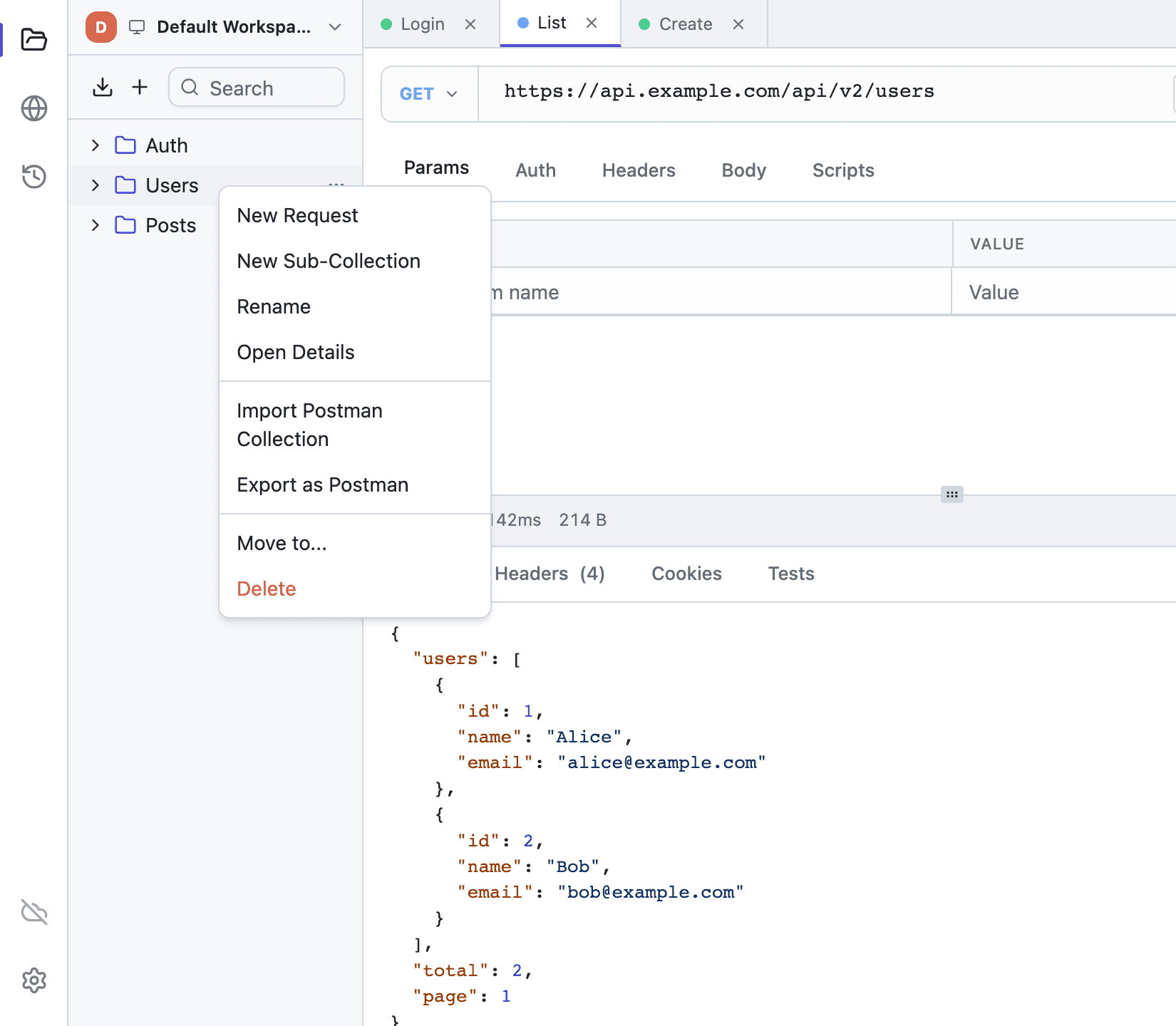
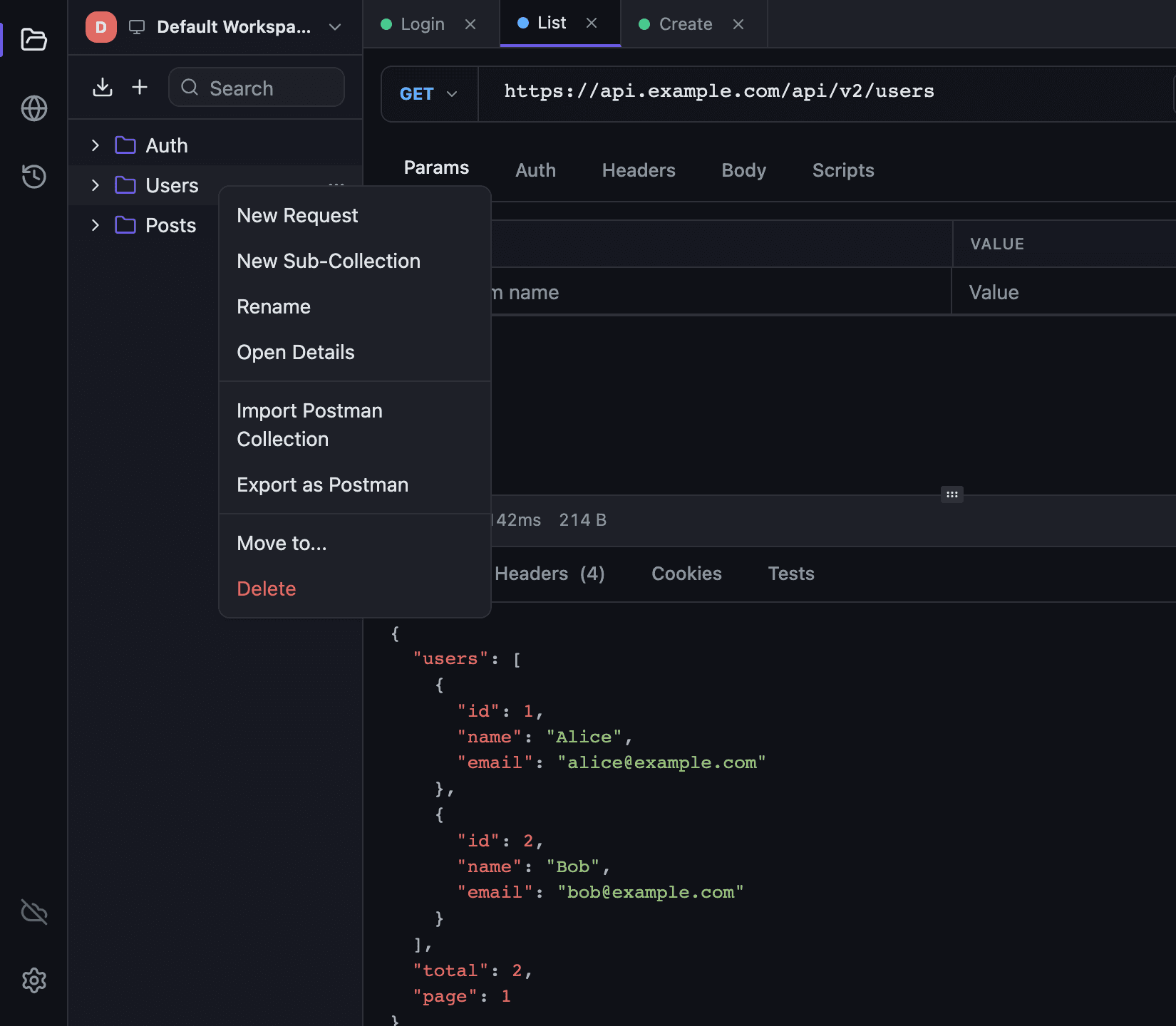
The import button above the collection tree opens a menu with Import File… and Import from Link…. A file can be a Postman v2.1 collection, an Insomnia export (v4 in JSON or YAML, or a v5 YAML file), a Hoppscotch collection, an OpenAPI or Swagger spec in JSON or YAML, a HAR file, or a .tetiva.json file from a published collection's page. The app tells the format from the content, and the file picker offers .json, .yaml, .yml and .har. A file over 48 MiB is refused before it's read, and a .tetiva.json file over 8 MiB. A Postman v2.0 export is rejected with a message asking you to re-export it as v2.1; a v1 file isn't recognised and gets the general "This file isn't a Tetiva, Postman, Insomnia or Hoppscotch collection…" error. Import File… is also in a collection's context menu: the imported tree lands inside the collection you right-clicked, while a Tetiva collection always comes in as a new top-level one. A Postman or Hoppscotch environment file picked here is imported as an environment straight away; see below.
Nothing is imported before a confirmation dialog. It shows how many folders, requests and examples the file holds, where the collection will go, which environments it adds, which hosts its requests call and what changed while it was parsed (Changed on import). Scripts are listed with their text and come in only if you tick Import scripts, which is off by default: a collection-level pm.environment.set in someone else's file used to rewrite your baseUrl on the first Send. Insomnia scripts use insomnia.* and Hoppscotch ones often pw.* or hopp.*; the dialog reminds you to rewrite those to pm.* after the import. Hoppscotch scripts already written with pm.* come in without the reminder. When a collection goes into a folder that has auth of its own, the dialog warns that requests without their own auth will inherit it. After the import, the new collection opens in a tab.
Import from Link… fetches a collection from its share.tetiva.app link or slug, the same way the page's Open in Tetiva button does. How that works and what the confirmation checks is on Publishing a collection.
Insomnia, Hoppscotch, OpenAPI and HAR#
OpenAPI and Swagger. OpenAPI 3.0 and 3.1 and Swagger 2.0, in JSON or YAML. An operation's first tag becomes its folder, and the operation a request named after its summary or operationId. Path parameters become {{variables}}, and the query and header parameters the spec requires or gives a value come along. A JSON body comes from the spec's example or is generated from its schema, auth comes from the security schemes (Bearer, Basic, Digest, API key, OAuth 2.0), and response examples become examples. An environment named after the API holds baseUrl from the first server, the path parameters and empty slots for credentials. It becomes active right away, so {{baseUrl}} resolves from the first request. The confirmation dialog lists what stayed out: external $refs, callbacks, webhooks, links, unsupported auth schemes.
Insomnia. v4 exports in JSON or YAML and v5 YAML files. Folders keep their nesting and order. HTTP and GraphQL requests come with headers, query and path parameters, body and auth (basic, bearer, API key, OAuth 2.0, digest, AWS), WebSocket ones with their first message and gRPC ones with message and metadata. Disabled headers and form fields stay disabled, and {{ _.name }} becomes {{name}}. Each sub-environment becomes an environment Collection · Sub-environment with the base values merged in, nested values get dotted names like limits.page, and vault secrets arrive as empty secret variables. Template tags such as {% response %} (left as text), .proto files, folder headers and variables, cookies, unit tests and Socket.IO requests stay behind.
Hoppscotch. A single collection or an Export all file, GraphQL ones included. Folders, bodies, auth (basic, bearer, API key, digest, AWS, OAuth 2.0, JWT) and saved responses come across, the responses as examples. <<var>> becomes {{var}}, collection and folder headers are copied into their requests, and collection and request variables go into an environment named after the collection, one per collection. The dialog names folders that turned auth off in Hoppscotch, since in Tetiva their requests still inherit the parent's auth.
HAR. A capture from browser DevTools or a proxy becomes one collection named after the file, with a folder per host when there are several. Each entry becomes a request METHOD /path with its URL, headers and body, and its response an example that keeps JSON, XML and plain-text bodies up to 256 KB. Hop-by-hop and HTTP/2 pseudo-headers, Host, Content-Length, Accept-Encoding and Cookie stay out. Non-HTTP entries, such as WebSocket ones, and page assets (images, scripts, stylesheets, fonts) are skipped with a warning. The dialog counts the requests that keep credentials from the capture, such as an Authorization header or a token in the query.
What comes across from Postman#
| From Postman | In Tetiva |
|---|---|
| Collection name, description, auth | Top-level collection with the same fields |
| Folders at any depth | Nested collections |
| Request name, method, URL | An HTTP request; an unknown method becomes GET |
Headers, including disabled: true | Headers with the checkbox cleared |
raw with language json | JSON body |
raw with language xml or html | XML body |
raw with any other language, or none | Raw body |
formdata and urlencoded | Form rows: key, value, type (text/file), enabled flag; file fields arrive without their file, so pick it again |
file | A binary body without its file, which you pick again too |
graphql | A GraphQL request with query, variables and method POST |
Auth bearer, basic, apikey on collection, folder or request | The matching auth type |
Auth oauth2, jwt, digest, awsv4 | The same scheme; the authorization_code_with_pkce grant arrives as Authorization Code |
A request with no auth block | Inherits auth from its folder or collection; noauth becomes No Auth |
prerequest and test scripts on collection, folder and request | Pre-request and post-response scripts, only with Import scripts ticked |
Saved responses (response) | The request's response examples; one with a body over 256 KB is skipped |
| Collection, folder and request descriptions | The description in Overview and on the Docs tab |
Collection variables (variable) | An environment named after the collection; disabled variables stay disabled, secret ones secret |
Query parameters arrive inside the URL; the Params tab parses them out of the string, so the table fills itself. Imported scripts run in Tetiva's sandbox, where pm is only partly implemented, so some will need changes — see Scripting.
What does not come across:
- mocks and monitors;
- auth schemes Tetiva has no equivalent for —
hawk,ntlmand the rest. They are imported as No Auth and listed in the confirmation, and a toast listing them stays up after the import.
The lines in that list are literal, one per auth block, and the label says whether it came from a collection, a folder or a request:
request "Legacy service": auth type "ntlm" is not supported and was imported as no auth… OAuth 2.0 grant "implicit" is not supported; pick one in the Auth tab… the OAuth 2.0 block has an access token but no token URL; imported as a bearer token… the JWT payload is not a JSON object and was dropped
The toast shows the first three, with (and N more) appended after them. What the app supports is listed under Authentication.
Importing an environment#
An environment is imported as its own file: with the import button in the Manage Environments dialog (tooltip "Import a Postman or Hoppscotch environment") or with Import File… in the sidebar. A Postman environment is named after the name field inside the JSON, not after the filename, and a file with an empty name is rejected. Variables come from the values array: disabled ones stay disabled, type: "secret" becomes a secret variable, a number, boolean or object arrives as its JSON text, and a variable without a name is skipped with a warning. A Postman globals file becomes an environment named after the file, or "Globals", since Tetiva has no global level. A name that's already taken gets a suffix, "Dev (2)".
A Hoppscotch environment file can hold one environment or a list. Hoppscotch exports secret values empty, and Tetiva names the variables to fill in. Files over 48 MiB are refused, and a collection picked by mistake is recognised, with a hint to import it from the sidebar.
Exporting#
Export as Postman in a collection's context menu builds a file for the whole subtree: the collection itself, nested collections, requests, headers, bodies, auth, scripts and response examples. The save dialog suggests a name like Collection name.postman_collection.json. Environments have their own Export as Postman entry in the Manage Environments dialog, which produces Name.postman_environment.json, with secret variables marked as secret.
Keep the format's edges in mind: v2.1 describes an HTTP request, so gRPC requests are skipped with a warning, a WebSocket request keeps its address and headers but not its messages, and a binary body — a path to a file on disk — is left out. To move your whole setup between machines, use sync rather than export.
Pasting a cURL command#
A curl command needs no import step — you paste it straight into the URL bar of an open HTTP request; the gRPC and GraphQL address bars parse nothing on paste. The app splits it into the method, address, headers, body and auth, and fills the tabs in.
A toast lists what arrived: Imported from cURL: POST, 3 headers, existing authorization replaced. It mentions auth only when the request had some and the paste replaced or removed it. A request set to Inherit keeps Inherit unless the command carries -u or an Authorization header; then the command's auth replaces it, and the toast says so and offers Undo.
The Undo button appears only when the paste had something to overwrite — enabled headers, a body or auth that were not empty. In that case the toast stays up until you dismiss it; in an empty request there is nothing to undo and it fades on its own. There is a second way to lose it: a toast carrying Undo disappears as soon as you change anything the paste wrote — the method, the address, the headers, the body or the auth — so the undo cannot wipe fresh edits.
Both --digest and --aws-sigv4 'aws:amz:<region>:<service>' are understood, and an x-amz-security-token header is folded into the Session Token field. When the command carries -u alongside one of those, the more specific scheme wins: SigV4 beats digest, digest beats basic. Anything ambiguous is appended to the toast after a dash:
--digest has no -u credentials; digest auth was not imported--aws-sigv4 has no -u credentials; AWS signing was not imported-u credentials replaced the Authorization header
Copy as and Generate code#
Next to the Send button there is a chevron; the same one sits next to Query in GraphQL, Invoke in gRPC and Connect in WebSocket. Its menu holds:
- Copy as cURL for HTTP and GraphQL, Copy as gRPCurl for gRPC, Copy as websocat and Copy as JavaScript for WebSocket;
- for HTTP and GraphQL, a Copy as submenu with Python (requests), JavaScript (fetch), Go, Java (HttpClient), Java (OkHttp), C# and PHP (Guzzle);
- Generate code…, which shows the code before it goes to the clipboard.
A Copy as entry copies at once, with {{var}} placeholders and secret values filled in, so the code runs as is. It takes what the editor holds, unsaved edits included. A toast confirms the copy. Copy as cURL on an HTTP request writes its warnings into the toast; for the other entries the toast counts them, and its Details button opens the Generate code dialog on that language.
The Generate code dialog has a language picker, a preview, the list of warnings and a Copy button. It opens on the language you copied last, remembered separately for HTTP and GraphQL, for gRPC and for WebSocket. Two switches decide what goes in: Resolve variables (on) substitutes the active environment, and unresolved references stay as {{name}}; Include secret values (off) keeps secret variables as references until you turn it on.
Copy as cURL on an HTTP request
This command is built by the same pipeline that sends the real request, so the clipboard holds what would have gone over the wire. The app saves the request first, so unsaved edits make it into the command:
{{var}}placeholders are already resolved;- headers are emitted in a stable order, with one
-Hper value for repeated headers; - workspace cookies matching the address are added with
-b; - a multipart form becomes
-F 'name=@path'for files and--form-stringfor text fields, an urlencoded form or a text body becomes--data-raw, and a binary body becomes--data-binary @path— curl never reads a file a text value happens to name; - the pre-request script runs as a dry run: its headers and variables show up in the command, but nothing is saved to the database and no history entry is created. If the script fails, nothing is copied: the toast reads
Not copied: the pre-request script of this request failed: …, and its Generate code… button copies the command without running the script; - Digest becomes
--digest -u 'user:pass', AWS Signature becomes--aws-sigv4 'aws:amz:<region>:<service>' -u '<key>:<secret>', with-H 'x-amz-security-token: …'added when a session token is set; - the command never goes to the network for an OAuth 2.0 token: the cached one is used. With no token cached, the command goes out without
Authorizationand carries the warningno cached OAuth 2.0 token: the command carries no Authorization; get a token in the Auth tab first.
Other languages
Everything else — the other languages, cURL for a GraphQL request and every language in the Generate code dialog — comes from the snippet generator. It works from the editor state and sends nothing:
- auth is applied, OAuth 2.0 only from a token already cached; Digest and AWS Signature V4 are left as a comment;
- workspace cookies matching the address go into a
Cookieheader; - the pre-request script does not run, and a warning says so;
- files named in a form or binary body are referenced by name and never read.
The full move from Postman, including script compatibility and how the concepts line up, is on Migrate from Postman.