Still deciding? See Tetiva as a Postman alternative first, or download Tetiva and try the import on a real collection.
Moving over takes two actions: export your Postman collection as Collection v2.1, then import that file into Tetiva. Folder structure, requests, headers, bodies, auth, descriptions and saved responses come across, and environments come across as separate files. Scripts come across when you tick Import scripts during the import. Collection variables become an environment named after the collection. Anything tied to the Postman cloud does not come across, and the checklist below says exactly what to look at.
Step 1. Export from Postman#
- In the collection menu choose Export and the Collection v2.1 format. Save the
.json. - Export environments separately — one file per environment.
Format v2.0 is rejected: the import stops with unsupported schema, only Postman Collection v2.1 is supported. If someone handed you a file and you are not sure, open it and check info.schema — it must contain v2.1.
Step 2. Import into Tetiva#
- Into the sidebar root — the Import button above the collection tree → Import File….
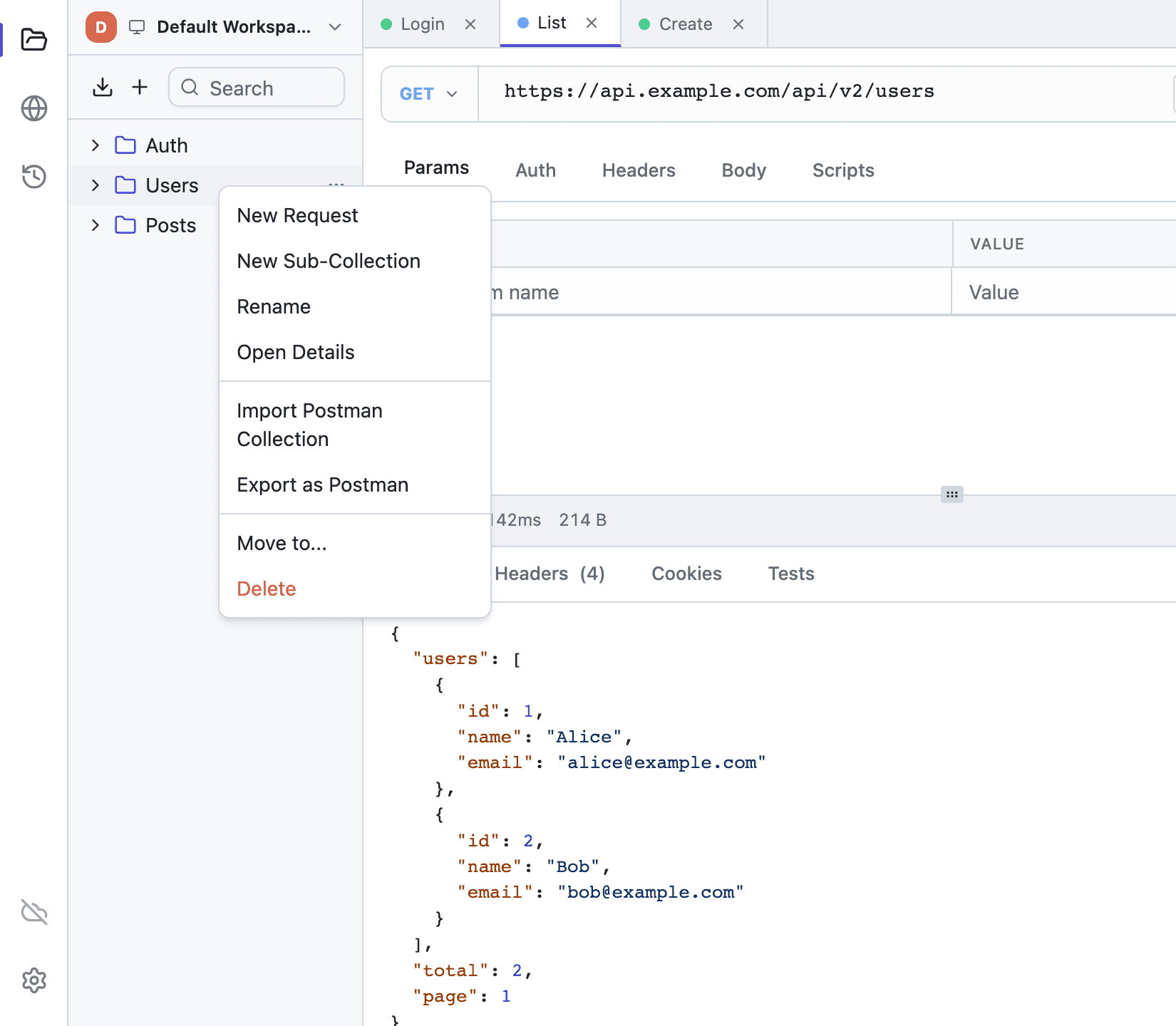
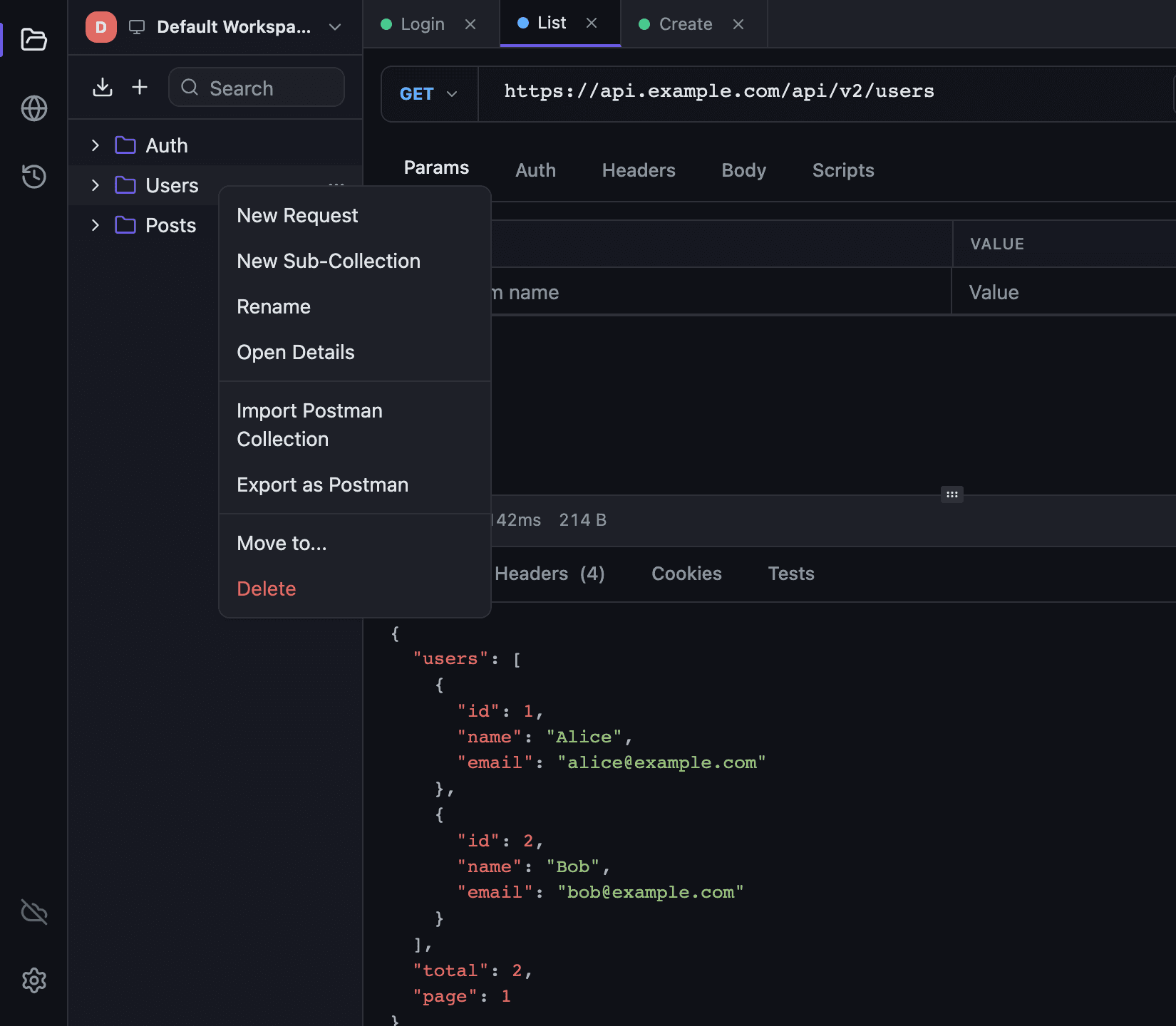
- Inside an existing collection — right-click it and choose Import File…. The imported tree lands inside that collection.
- Pick the
.json. A confirmation dialog opens first: how many folders, requests and examples the file holds, where the collection goes, the hosts its requests call, what changed on import, and the scripts in the file. Scripts come in only when you tickImport scripts. Click Import, and a toast such asImported “Payments API”: 4 folders · 27 requests · 3 examplesconfirms it while the new collection opens in a tab. - Environments — the environment selector in the request bar → Manage Environments… → the import button (tooltip Import a Postman or Hoppscotch environment). Import File… in the sidebar takes an environment file too.
The Postman collection itself becomes a normal Tetiva collection and its folders become nested collections. Nesting depth is not capped.
Concept mapping#
| Postman | Tetiva |
|---|---|
| Collection | Top-level collection: name, description, auth |
| Folder | Nested collection: name, description, auth |
| Request | Request: name, method, URL, headers, body, auth |
| Disabled header | Header with its checkbox off — the value is kept |
| Auth: Bearer, Basic, API Key | Same types; API Key keeps its name, its value and its location — header or query |
| Auth: OAuth 2.0, JWT, Digest, AWS Signature | The same schemes; OAuth 2.0 grants and the JWT algorithm come across, and authorization_code_with_pkce arrives as Authorization Code |
| Auth: NTLM, Hawk, others | No Auth; a list of what did not come across is shown after the import |
A request with no auth block | Inherit: auth comes from the folder or collection; an explicit noauth becomes No Auth |
| Per-request description | The description on the Docs tab |
| Body: raw + JSON | JSON body |
| Body: raw + XML or HTML | XML body |
| Body: raw with no language | Raw body |
| Body: form-data | Form body; file fields must be re-picked |
| Body: GraphQL | A GraphQL request — POST, with query and variables in place |
| Body: x-www-form-urlencoded | Form body with the original keys, values and enabled flags |
| Body: binary | Binary body without its file — choose the file again |
| Pre-request and Tests scripts | Pre-request and post-response scripts, when you tick Import scripts |
| Saved responses (Examples) | Response examples; an example with a body over 256 KB is skipped |
| Collection variables | An environment named after the collection; pick it in the environment list |
| Environment (separate file) | Environment; secret-typed variables stay secret and disabled ones stay disabled |
| A method outside GET…HEAD | GET |
What does not carry over#
| Item | What to do |
|---|---|
| Globals | A globals file becomes an environment named "Globals" or after the file: Tetiva has no global level |
Path variable values (:id) | The placeholder stays in the URL — substitute an environment variable |
| Mock servers, monitors, Runner, Flows | No equivalent |
Check these after the import#
Inherited auth. A request with no auth block of its own is imported with Inherit and, as in Postman, uses the auth of the folder or collection above it. An explicit noauth becomes No Auth. How the lookup walks up the tree is covered in Authentication.
Scripts. They come across only when Import scripts is ticked in the confirmation dialog. Tetiva implements part of the pm object, so unsupported pm.* calls need fixing by hand — see the table below.
Schemes with no equivalent. NTLM, Hawk and the rest arrive as No Auth, but not silently: a toast stays up after the import with a line per auth block, naming the collection, folder or request it came from and the reason. Walk that list and configure those requests again — see Authentication.
Files. A binary body and form-data file fields arrive without their files: pick the file again in the Body tab.
Environment variables. Variables disabled in Postman stay disabled. Collection variables go into an environment of their own, and their {{variables}} won't resolve until you pick it.
Secrets. Secret-typed variables stay secret in Tetiva, but the Postman export file holds their values in plain text — do not leave it in a shared folder.
Scripting: pm.* coverage#
Tetiva scripts run on the goja engine — JavaScript, but neither Node nor a browser. The pm object is implemented partially: tests built on pm.test and pm.expect usually run as is, while pm.sendRequest, pm.globals and require need replacing. The full reference lives in Scripting.
| Call | Status |
|---|---|
pm.environment.get(key), set(key, value), unset(key) | Supported |
pm.variables.get, set, unset, has, replaceIn, toObject | Supported: a value set in a pre-request script fills that request's {{variables}} and reaches its post-response script, but is not saved to the environment; get falls back to the environment |
pm.request.method, pm.request.url, pm.request.protocol | Supported; url is a string, not an object, and protocol is http, grpc, graphql or websocket |
pm.request.headers.add({ key, value }), upsert({ key, value }), remove(key) | Supported; names match in any case, as in Postman, and headers has no other methods |
pm.response.code, pm.response.statusText, pm.response.text(), pm.response.json() | Supported in post-response scripts; statusText is gRPC only — undefined for HTTP and GraphQL. headers.get(name), headers.has(name) and responseTime are there too |
pm.response.status | Supported: the reason phrase, "OK", as in Postman; the status name for gRPC |
pm.test(name, fn) | Supported; results show up in the Tests tab |
console.log, info, warn, error | Supported; output is collected per run, and objects and arrays print as JSON |
btoa(), atob() | Supported, so a pre-request script that builds a Basic header runs as is; atob also reads base64url, such as a JWT payload |
pm.expect(...), pm.response.to.have.status(...) | Supported: chai 4.5, as in Postman; pm.response.to covers status, header, body, jsonBody, json and the status classes |
pm.collectionVariables.get/set/unset | Supported; works on the active environment's variables |
pm.globals | Not available: the call fails with pm.globals is not supported in Tetiva; use pm.environment |
pm.sendRequest(), pm.setNextRequest() | Not available; pm.sendRequest fails with a message that scripts cannot make network calls |
require(), file or network access from a script | Not available — the sandbox is closed and a run is cut off after 5 seconds |
A typical Postman test runs unchanged:
pm.test("status is 200", function () {
    pm.response.to.have.status(200);
});
pm.environment.set("token", pm.response.json().access_token);
A test fails when an assertion fails or the function throws. A failed assertion shows just its message next to the test name in the Tests tab, as in Postman; any other error also names the line it broke on. A pre-request script that throws outside pm.test stops the send, as in Postman: the response pane says Request not sent with the error and its line. A failing post-response script keeps the tests that passed before it broke.
Exporting back to Postman#
The door swings both ways: right-click a collection and choose Export as Postman to write a v2.1 file named <collection>.postman_collection.json. Environments export from Manage Environments… with Export as Postman.
Scripts and response examples are exported. gRPC requests have no place in the Postman format, so they are skipped with a warning. A WebSocket request keeps its address and headers, but not its messages. More detail in Import and export.