The token in the screenshot: how API keys leak without any hackers
You don't need a hacker to leak an API key. A Thursday call will do: you're showing a colleague that the bug reproduces, and half your screen is the header tab with Authorization: Bearer eyJhbGciOi… in full.
In GitGuardian's 2026 report, about 28% of secrets incidents happened outside code entirely, in Slack, Jira and Confluence. The authors point out that these secrets are usually passed around during urgent troubleshooting, when nobody has time to think about them. (State of Secrets Sprawl 2026)
Five everyday scenes#
A screenshot in a ticket. "Here's the request, here's the error." The screenshot also shows the headers, and the token is in them. Everyone with access to the project sees the ticket, contractors included.
A screen share. On a call you flick between tabs, and an environment full of keys flashes by. The call is recorded, and the recording sits in a shared folder.
An export for a colleague. You send a collection or an environment as a file so everything "just works" for them. The values in the file are in plain text, and the file stays in the chat for as long as the chat exists.
A cURL command in the chat. The easiest way to show a request: copy, paste, your colleague runs it. The token rides along inside the command, right there in -H "Authorization: …".
A public link. Someone publishes a collection to show a partner and forgets there's a live environment attached. In December 2024, CloudSEK researchers found more than 30,000 public Postman workspaces leaking access tokens, refresh tokens and third-party API keys. The researchers name accidentally exposed collections and environments as one of the causes. (CloudSEK) Today Postman scans public workspaces with its Secret Scanner by default and deletes what it finds, and it offers a local Postman Vault for keys.
Nobody hacked anything in these scenes. Each time, the key went out along with something the person was trying to show.
Secret variables: the dots hide the value, but don't lock it#
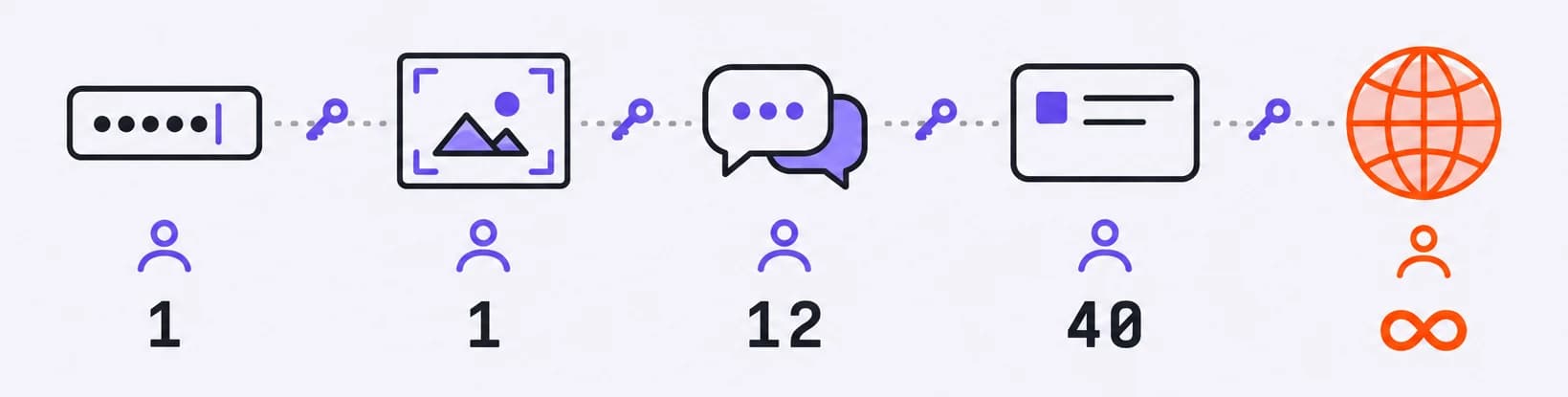
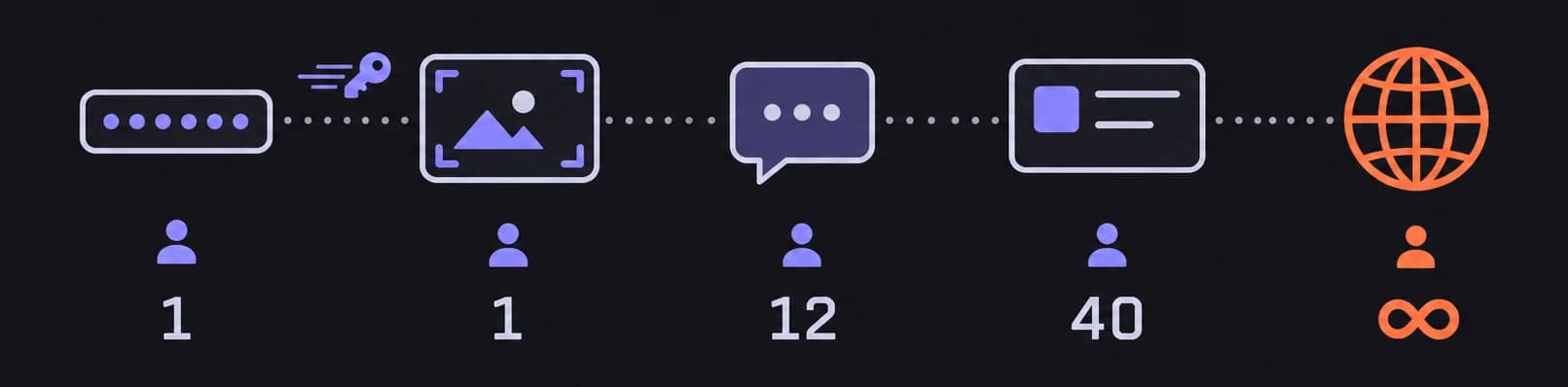
Many API clients can hide a variable's value behind dots or asterisks: ••••••••. That's useful, as long as you remember what it protects against.
The dots hide the value on screen, so a call or a screenshot won't show it. On disk it stays in plain text and goes into exports, sync and backups as usual. It's a curtain on a window: you can't see in from the street, but the door isn't locked.
Real protection comes from other things: encryption, a secrets vault and tokens with a short lifetime. They help even when the file or a copy of it has already reached the wrong person. The easiest of these to set up is a short-lived token; more on that below.
Tetiva works the same way. The secret flag on a variable only affects how the value looks on screen. Storage stays the same: the value sits in the local database in plain text and syncs along with the other variables. On the server the data is encrypted, but the service reads it in order to hand it to your devices. The docs say it plainly: the flag protects you from a screenshot or a screen share, not from someone with access to your machine.
Masking still helps: the screenshot and the call are two of the five scenes above.
What your tool can take off your hands#
Tetiva hides or strips keys in a few places where they tend to slip out.
Secret values are hidden behind dots in the environments window, in the tooltip when you hover over a variable, and in autocomplete. AI agents that connect to the app over MCP never get secret values at all.
When you replay a request from history (the Replay button), the draft arrives without auth: Authorization, Cookie and other credential headers are stripped.
Before a collection is published as a link, the snapshot is cleaned on your own machine, and a scanner checks descriptions, examples and scripts for anything that looks like a key. While there are warnings, Publish waits for you to tick I've checked this. Why publish a collection as a link at all is covered in Collection final_v2.
A scanner can miss a key stored in a variable called x, especially if its value looks like an ordinary word.
Habits before you share your screen#
- Keep tokens in variables. The header field then shows
{{token}}, and the key itself never makes it into a screenshot. The lock hides the value in the environments window too. - Switch to a test environment before the call. As a bonus, you won't send anything to production by accident; we have a separate story about that.
- On a call, share only the client's window.
- If you're showing a 500 error, crop the screenshot down to the response; the headers don't need to be in it.
- Keep a separate short-lived token for demos and training.
- Before you paste a cURL command into the chat, replace the token in it with
<TOKEN>. - Before you send an exported environment, open the file and look at it with your own eyes.
If it has already leaked#
Deleting the message isn't enough: people have already read it, someone got it as an email notification, and it may have been quoted in another thread. Work through it in order.
- Revoke the key and issue a new one. This matters most: according to the same GitGuardian report, 64% of the keys that leaked in 2022 and were valid at the time were still working in January 2026.
- Replace the key everywhere it's used: environments, CI, service configs.
- Ask whoever owns the service to check the logs for anyone else using the key.
- Find the copies and delete them: tickets, threads, call recordings, exports. Delete them after revoking the key, not instead of it.
- Work out which of the five scenes the key leaked through, and pick up the habit for it from the list above.
If a particular screenshot just came to mind, check whether that key still works. If it does, revoke it.