Collection final_v2: why everyone has a different copy
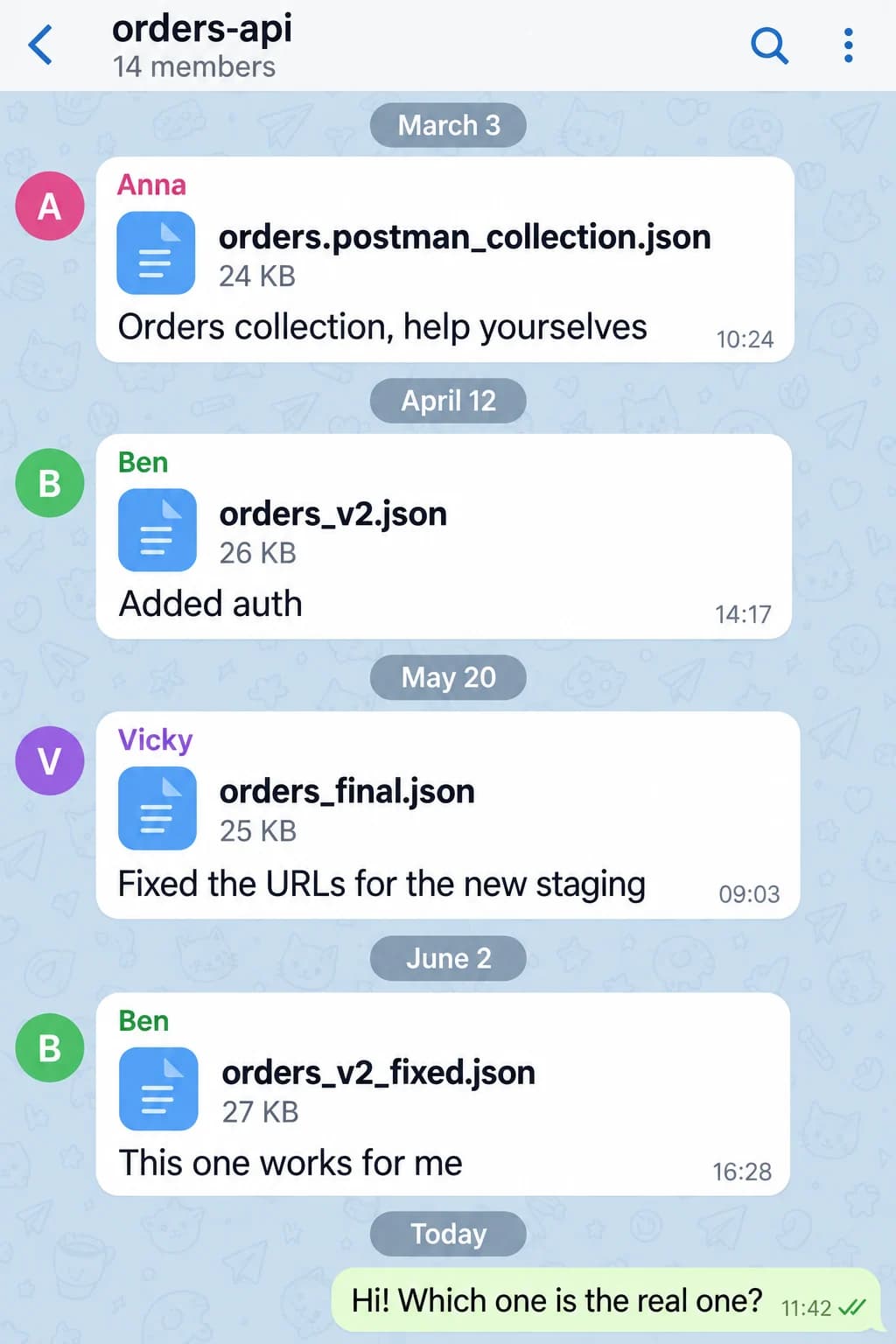
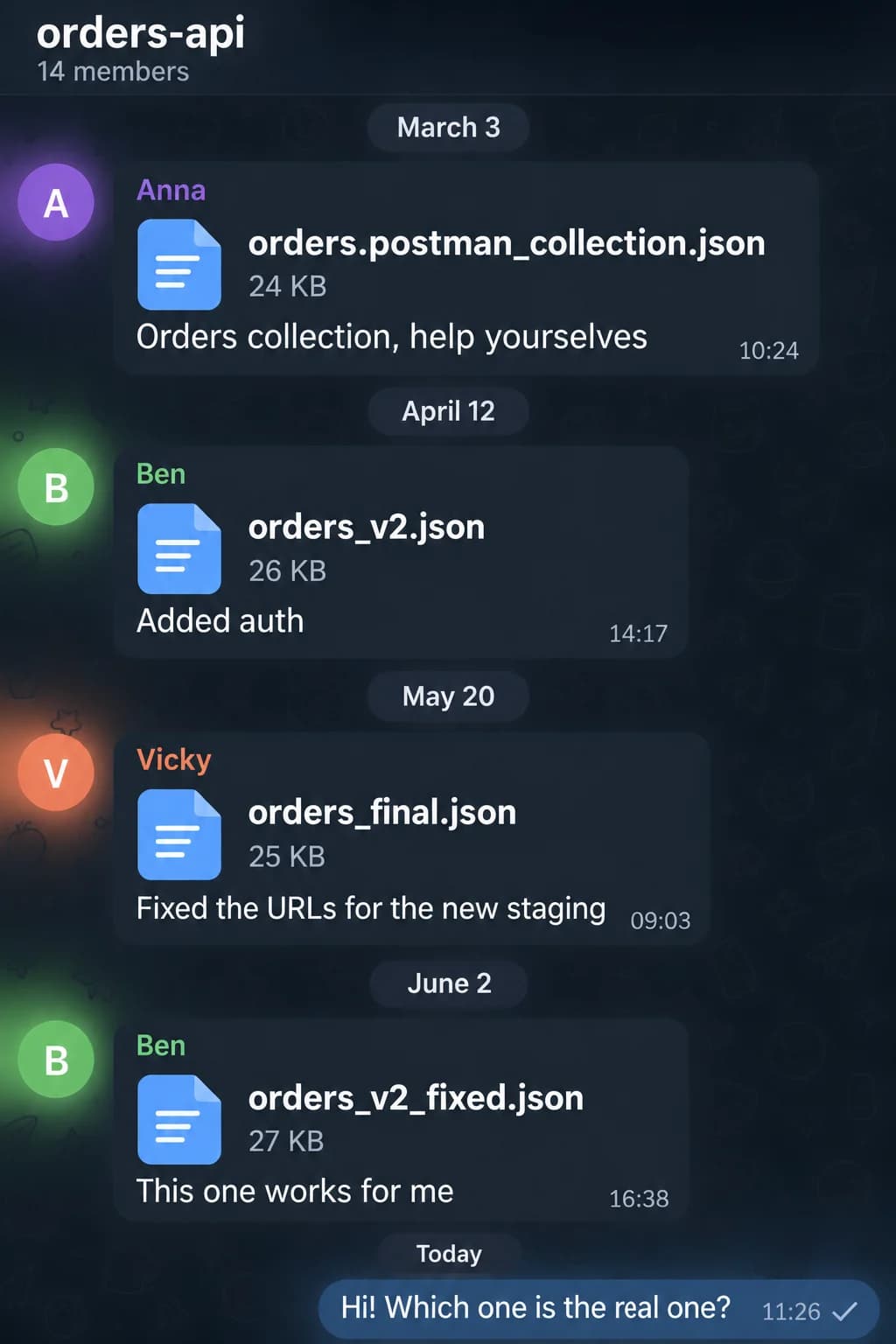
The team chat has four files in it: orders.postman_collection.json, orders_v2.json, orders_final.json and orders_v2_fixed.json. Different people posted them in different months, and each of them was sure theirs was the latest. A new developer downloads all four and asks which one is real.
Nobody knows. The person who posted the first one left the company half a year ago.
In short: a collection in a file is a snapshot, and after the first forward everyone has their own copy. To get back to one version you need an owner, clear names and one way in: a repo, a shared cloud workspace or a page behind a link.
A small, tidy team may never see this. Everyone else runs into it sooner than they expect.
How one collection turns into four#
A collection in a file is a photo. It shows the requests as they were at the moment of export. Send the file to a colleague and there are now two collections: yours keeps changing, and so does theirs.
The rest happens on its own. Ben adds auth and posts his copy. Meanwhile Vicky points the URLs at the new staging server, in her own copy, without Ben's auth. Nobody merges them back. It takes time, and the requests work anyway. Each person's version works for that person.
Three months later the team has four collections, and each one has something the others lack. Putting together a working one takes an archaeologist.
Why it happens#
The collection belongs to a person, not to the service: it lives with whoever put it together. While they're around, you can ask for a fresh copy. Once they're on holiday or at another company, all you have is whatever is left in the chat.
The second symptom is names. New Request, test2 and Copy of create order make sense to one person, and only until about Friday. A month later even the author can't tell create order (1) from Copy of create order, so both stay, just in case.
The third one: nobody is responsible for keeping it current. Code gets reviewed, tests get run, docs get updated now and then. The collection is "just a helper" until the Monday nobody can reach the new staging server without it.
How to share a collection with your team: three ways and what they cost#
There are three approaches that work, and most teams end up mixing two of them.
| Approach | Good for | What you pay |
|---|---|---|
| A file in the repo | developers who live in Git | discipline |
| A shared cloud workspace | a team that edits requests every day | accounts and permissions |
| A page behind a link | people who only need to look | memory: it needs updating |
The repo gives the collection a history: you can see who changed which request and when. Bruno keeps collections as plain files in a folder that is easy to put in Git, and Yaak has a similar mode. The downside is the same as with any manual process: export and commit after every edit, and if you forget, everyone has something different again. Analysts and managers won't go into the repo anyway.
A shared workspace removes the "who has the latest" question. There is one version, and colleagues' edits show up right away. The price: everyone needs an account, someone manages permissions, and your data sits on someone else's server.
A link is for the most common case. Most people don't need to edit the collection. They need to see which requests exist, what to send and what comes back. A page they can open in a browser does that. They can't edit it, and you have to remember to update it.
How to share a collection in Postman#
In Postman a collection has two ways to reach colleagues. One is exporting it to a v2.1 file, which is exactly how orders_v2.json and orders_final.json are born, with all the problems from the start of this post. The other is a shared workspace in the Postman cloud, where there is one collection for everyone and changes can be proposed through a fork and a pull request. For a team that means accounts for everyone and a paid plan, since collaboration on the free plan is heavily limited. If the collection has already splintered into files, you can also move it to another client: here's what carries over from Postman.
Signs of a living collection#
Whichever approach you pick, you can tell a living collection by five signs.
It has an owner. A specific person. "The team" doesn't count. They don't have to write every request, but they know which version is real and they throw out the junk.
Requests are named after what they do. "Cancel an order" is clear without opening it. test2 isn't clear even after.
Requests have a two-line description. What it does, what you need to send it (a token, a server, an existing order) and what comes back. Write down what you'd tell a colleague out loud.
There is a saved response. It shows at a glance which fields come back, even before a colleague gets hold of a token.
There is one way in. A pinned link in the channel or in the README. Not "search the chat, Vicky posted it somewhere".
What this looks like in Tetiva#
In Tetiva the last three signs come down to descriptions, saved responses and publishing.
Collections and individual requests have Markdown descriptions, and you can save example responses on a request. When a collection needs to be seen by people outside the team, you can publish a top-level collection and get a page like share.tetiva.app/orders-7f3k9q2a. The link stays the same even if you rename the collection, so it's safe to pin. Readers don't need an account. They can browse the requests in the browser, pull the collection into their own Tetiva with Open in Tetiva, or download a file for Postman.
Before publishing, the app cleans the collection on your own machine: tokens and passwords don't make it onto the page, and a placeholder takes their place. Why that matters is covered in the token in the screenshot. The preview shows exactly what was removed. Details are in the publishing docs.
What helps most against drifting versions is a reminder. If the collection changes after publishing, its tab reads Changed since publication and gets a dot next to its name. The page doesn't update itself: you press Review & update…. But you find out it's stale before someone tells you in the chat.
For a team that edits requests every day there are shared cloud workspaces on the Team plan. One person with two computers can stay on the free plan: it includes syncing your own devices and one public page.
A 15-minute clean-up#
One pass is enough to start.
- Collect every copy. Search the chat for
.jsonand "collection". You'll probably find more than you expect. - Pick a base. Open each copy and send the three most important requests. Whichever works without edits is your base. Carry over anything missing from the others by hand.
- Delete
test2and everyCopy of. Rename the rest after what they do and sort them into folders. - Name an owner. One person, out loud, in a meeting.
- Leave one link. Pin it in the channel, and mark the old files "don't use".
Once a quarter the owner repeats steps 3 and 5. Same 15 minutes, minus the archaeology.
And orders_v2_fixed.json can finally go. Ben will understand.