· updated
API questions you were afraid to ask
By your third week at a new job, some questions start to feel awkward. People around you say "just hit the endpoint", "it's a 403, grant them access", "check the headers", and you nod and google it later.
We collected seven of those questions and answered them without any code, using envelopes and office badges instead.
1. What is a request, in plain words?#
A letter. An ordinary one, in an envelope.
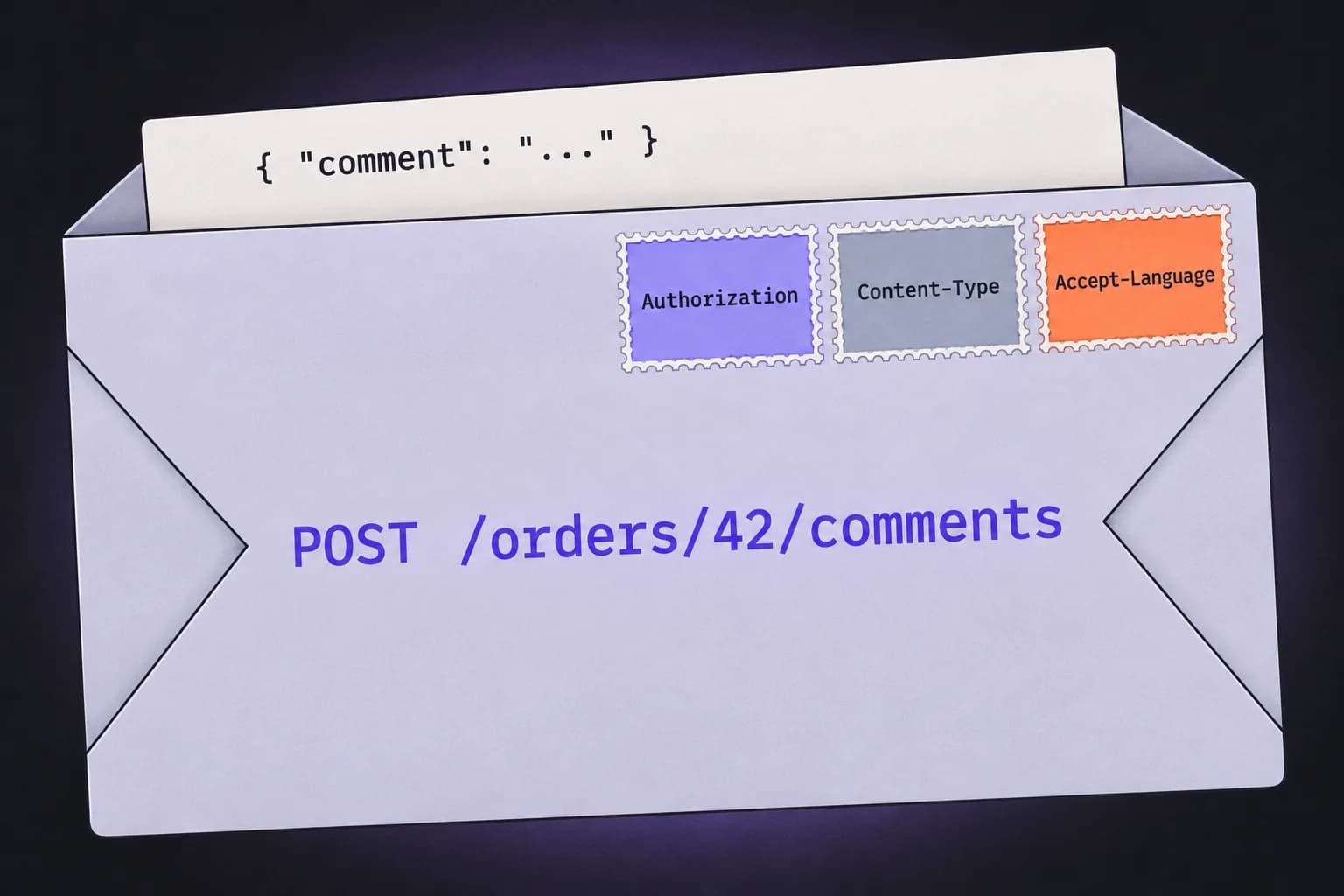
The envelope says where to deliver it and what to do with it: "show me order 42" or "add a comment to order 42". That's the address and the method. The envelope also has stamps on it: who's sending, which language to reply in, what's inside. Those are the headers. Inside the envelope is the letter itself, the request body. Sometimes the envelope is empty: to ask for an order you don't need to write anything.
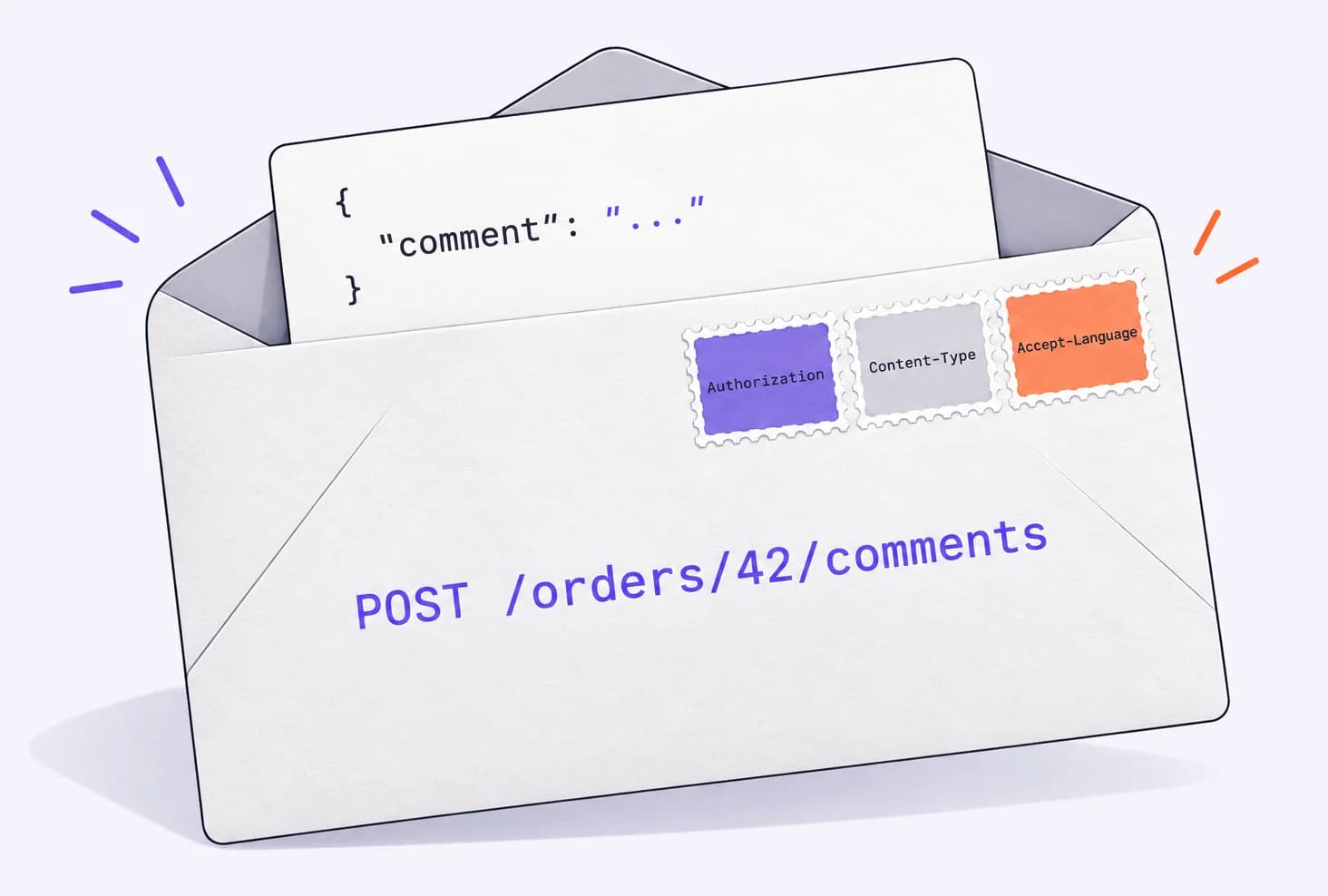
The server opens the letter and sends a reply, also in an envelope. The most important thing on the reply envelope is a three-digit number, the status code. It tells you how things went before you even read what's inside.
2. What does "hit the endpoint" mean?#
An endpoint is a specific address together with a method. GET /orders/42 is the "show an order" endpoint. POST /orders is "create an order". The more endpoints a service has, the more it can do.
"Hit it" just means send one request and see what comes back. It's shorter than "please send a GET request to such-and-such address".
3. How is 401 different from 403? And where does 404 fit in?#
In short: 401 means the server doesn't know who you are: the token is missing, expired or someone else's. That's an authentication error. 403 means the server knows you, but you have no rights for this action. That's an authorization error. 404 means there's nothing at that address.
An office badge explains it best.
401: your badge didn't work. There isn't one, it expired, or it's someone else's. You need to sign in again or refresh your token.
403: your badge works, but it doesn't open this door. Tapping it again won't help; you need permissions. Ask whoever hands them out.
404: there's no such room in the building. A typo in the address, the wrong server, or order 42 was deleted long ago.
The other codes are easy to remember by their first digit:
| Code | What happened | What to do |
|---|---|---|
| 200 | All good, here's the answer | celebrate, but look at the response: it might not be what you expected |
| 201 | Created | the new order or user is already on the server |
| 204 | Done, but the response is empty | a common answer to a delete |
| 301 | Moved to another address | the client usually follows the new address on its own |
| 400 | The server didn't understand what you wrote | check the body and parameters: a typo, a missing field |
| 429 | Too many requests | wait and slow down |
| 500 | Something broke on the server | probably not your fault; send the developers the time and the request |
| 502 | A gateway couldn't reach the server | usually a server-side problem; try again later |
| 503 | Closed for lunch | the server is overloaded or being updated; try again later |
A code starting with 2 means it worked. With 3, you were redirected. With 4, something's wrong with the request. With 5, something's wrong with the server. It's a rough rule, but nine times out of ten it tells you who to message.
4. Why do headers exist if there's a body?#
The server reads the envelope before it opens the letter. Headers tell it who's writing (Authorization), what's inside (Content-Type: application/json) and which language you'd like the answer in (Accept-Language).
If a header is missing, the server may never get to the body. Forget Authorization and you get a 401, however perfect the letter is.
5. Why does it work in the browser but return 401 in Postman?#
Your browser carries your badge for you. When you signed in to the site, it saved the badge, usually a cookie, and has been attaching it to every request since. You don't see this, so the request seems to "just work".
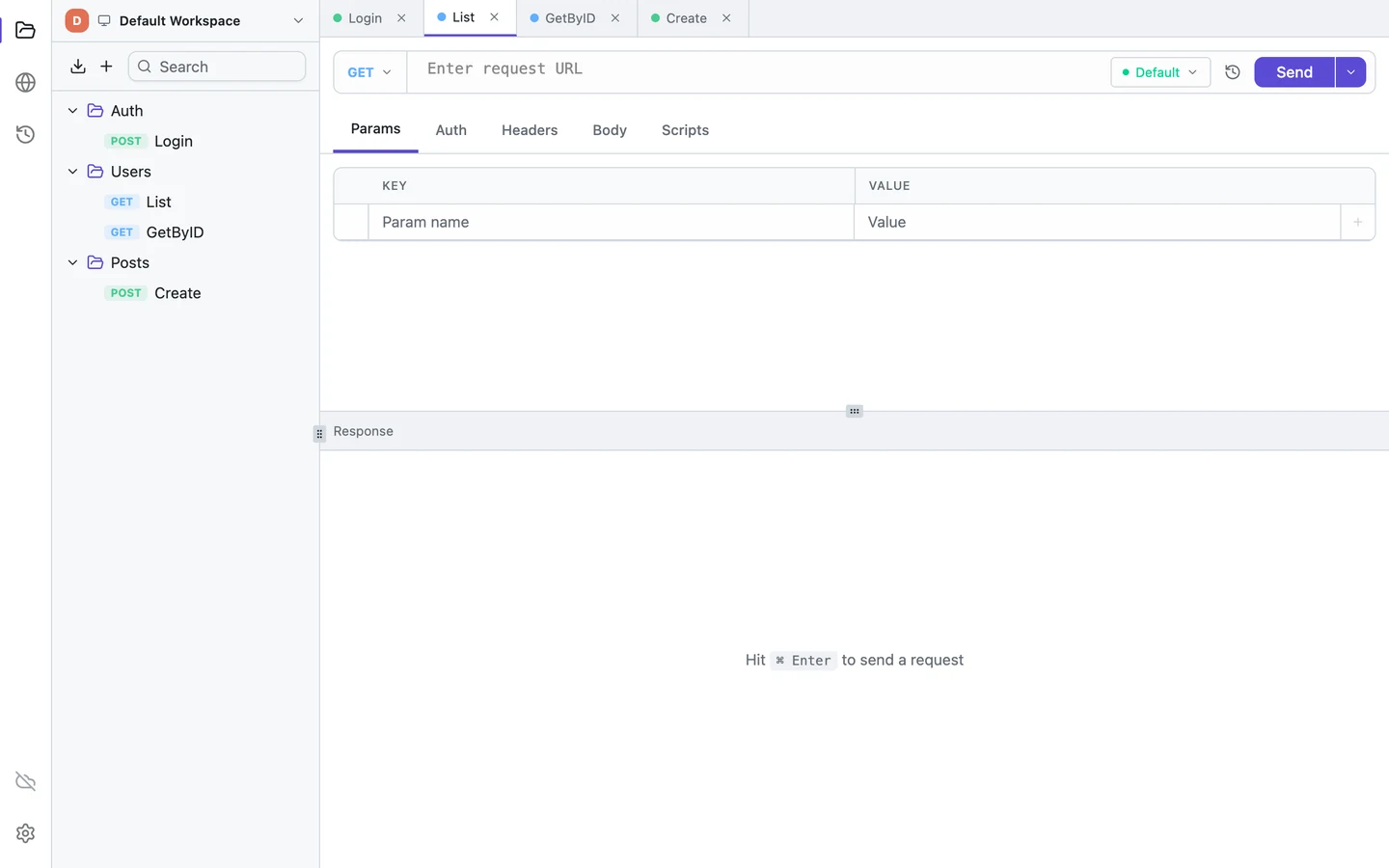
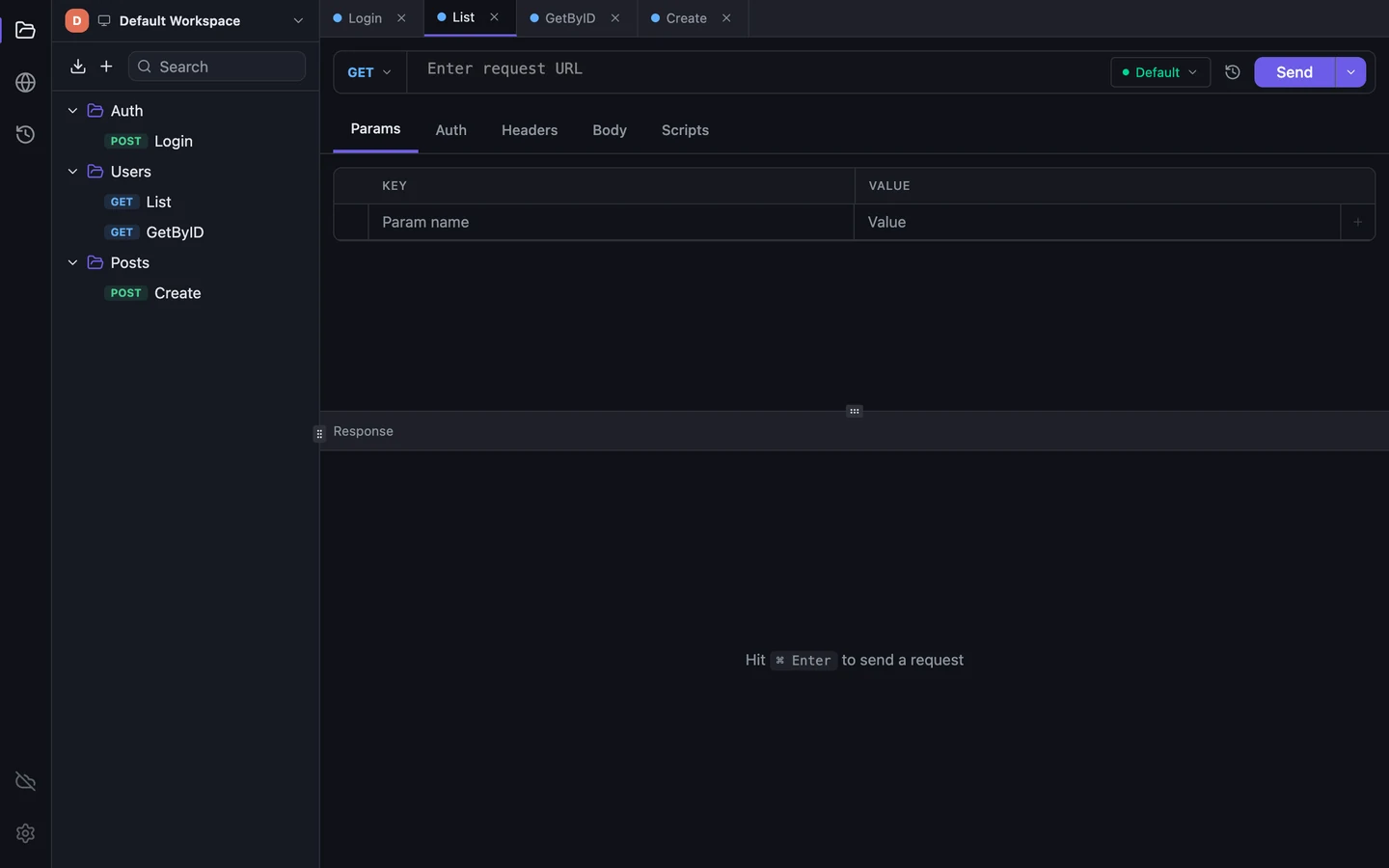
Postman, Tetiva or any other API client knows nothing about your browser session, so a request without the cookie or token gets a 401. You need to get the badge again: send the sign-in request from the client itself, or ask your team how they hand out tokens. Tetiva, for example, remembers cookies after a sign-in request and attaches them from then on, like a browser does.
6. Can I break something by pressing Send?#
Yes. That's why it's worth looking at the method. GET only reads, by the rules, while POST, PUT, PATCH and DELETE change data on the server. They also react differently when you press Send a second time:
Two caveats. People sometimes break the rules, and some APIs have GETs that change things too, so on production be careful with everything. And second: what you send matters, but so does where you send it. We told the story of a request going to the wrong environment in Friday, 6:40 pm.
7. How is a collection different from history?#
History is your call log. Everything you send lands there automatically, including failed attempts and typos. It's handy for finding yesterday's request or the exact time something went wrong.
A collection is your address book. You put requests there on purpose and give them clear names. Collections are what you share with colleagues. History usually stays with you. If your team's address book has turned into five files named final_v2, here's what to do about it.
Where to practise#
You can see 401, 403 and 404 for yourself. There are practice services for this, such as our free test API at playground.tetiva.app, which replies with whatever status code you ask for.
- Open any API client. Tetiva will do: it's free and runs without an account.
- Send
GET https://playground.tetiva.app/status/401, then the same with403and404. Only the code changes; the short JSON body just repeats it. The 401 also comes with aWWW-Authenticateheader: that's the server hinting at which badge it expects. - Send
GET https://playground.tetiva.app/headers. The server returns the headers it received from you. Add a header of your own and send it again.
Five minutes, and you won't need to google the next "it's a 403".